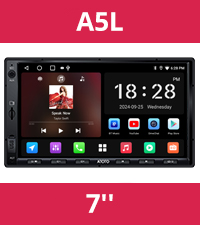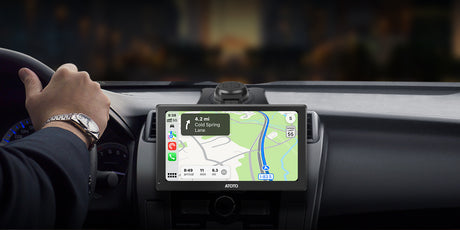
ATOTO Car Stereo, Car Audio, GPS Navigation, Wireless Carplay Adapter

⚽ Angebote zur Weltmeisterschaft verfügbar

Kostenloser Versand · Lieferung innerhalb von 7 Tagen

18 Monate Garantie

ATOTOZONE

€648,90 EUR €777,90
Kostenloser Versand.
Gutschein

Passt gut zu

30 Tage Preisgarantie

  • 30 Tage problemlose Rückgabe
  • Versand aus dem US-Lager (Lieferung in 3–7 Tagen)
  • Sie haben einen niedrigeren Preis gefunden? Kontaktieren Sie uns, wir passen ihn an!

1 Jahr + 180 Tage Garantie

Damit Sie bei der Verwendung unserer Produkte beruhigt sein können, bieten wir auf alle unsere Produkte eine umfassende Garantie .

  • Garantiezeitraum : Für dieses Produkt gilt eine Standardgarantie von 12 Monaten .
  • Erweiterte Garantie : Wenn Sie auf unserer offiziellen Website einkaufen, können Sie sich direkt für eine erweiterte Garantie registrieren, die Ihnen zusätzliche 180 Tage Schutz bietet.

Weitere Einzelheiten finden Sie in unseren [ Garantiebestimmungen ].

Denken Sie nach dem Kauf daran, [ Ihr Produkt zu registrieren ], um Ihren Garantieschutz zu aktivieren.

Kostenloser Versand

  • Envío gratuito:
    Todos los pedidos se envían sin costo adicional y normalmente llegan en un plazo de 7 días.
  • Devoluciones en 30 días:
    Si no está completamente satisfecho, puede devolver o cambiar su producto dentro de los 30 días.
  • Protección de envío (recomendada):
    Para mayor tranquilidad, recomendamos añadir la Protección de Envío Seel durante el pago. Con esta cobertura, puede presentar reclamaciones directamente por retrasos, pérdida o daños en el envío, garantizando una gestión más rápida y mayor protección

Aunque siempre estamos encantados de ayudar con consultas logísticas, la compensación relacionada con el envío sin protección adicional está sujeta a las políticas y condiciones del transportista.

Para más detalles completos, visita nuestra [Política de Envío] y [Política de Devoluciones].

Merkmale

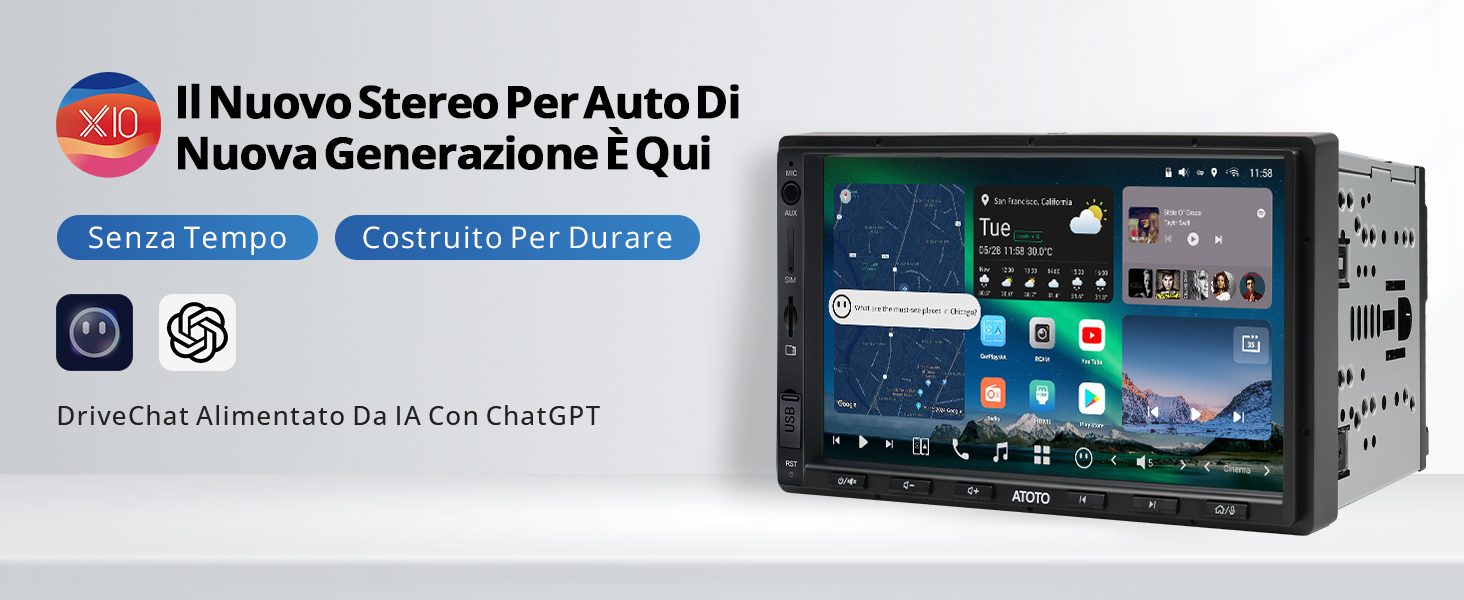
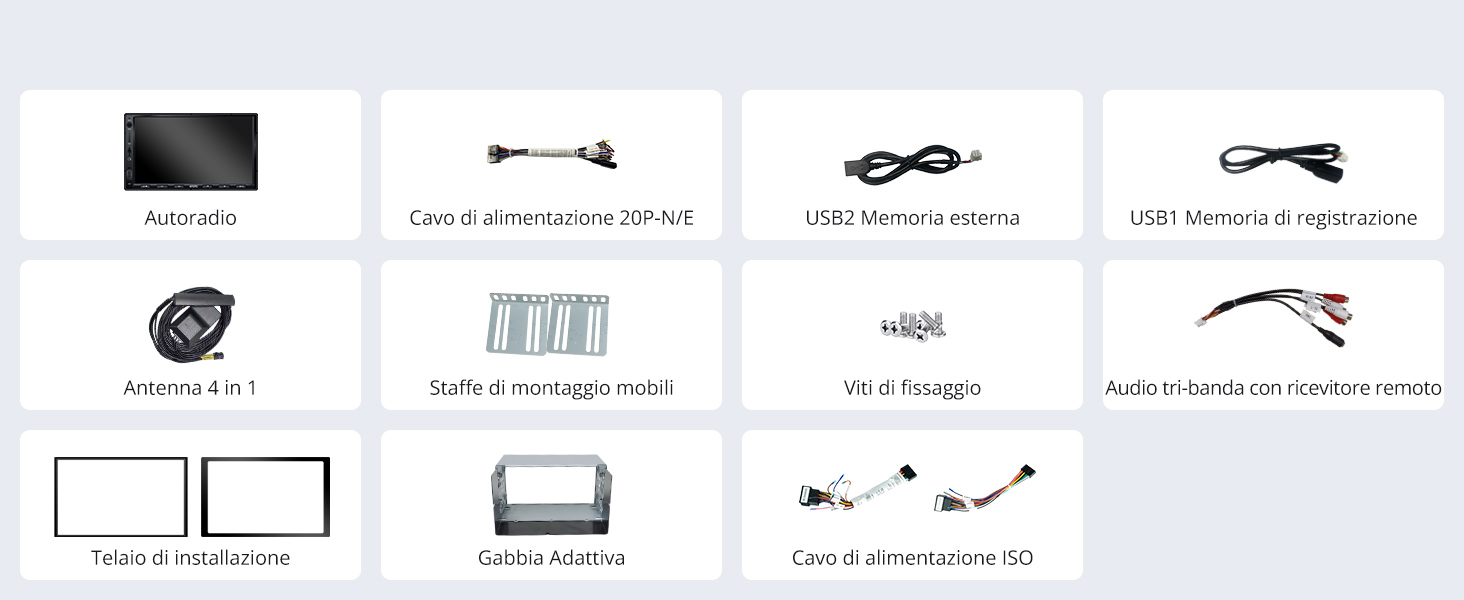
  • ATOTOZONE X10G2A7E Pulsierendes Android 7.0 mit integrierter Navigation, 8+128G Stereo-Auto-Doppel-DIN, ChatGPT AI, 4G LTE, CarPlay und Android Auto Wireless, Zweites Telefon und Bluetooth

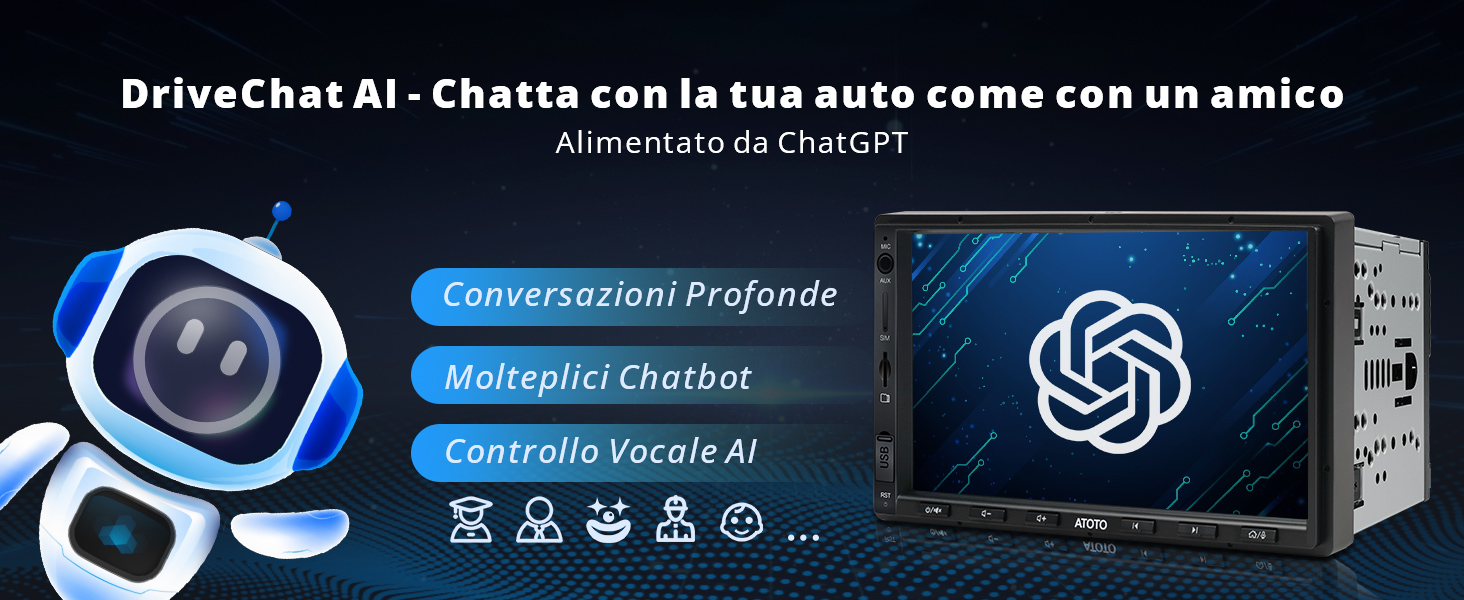
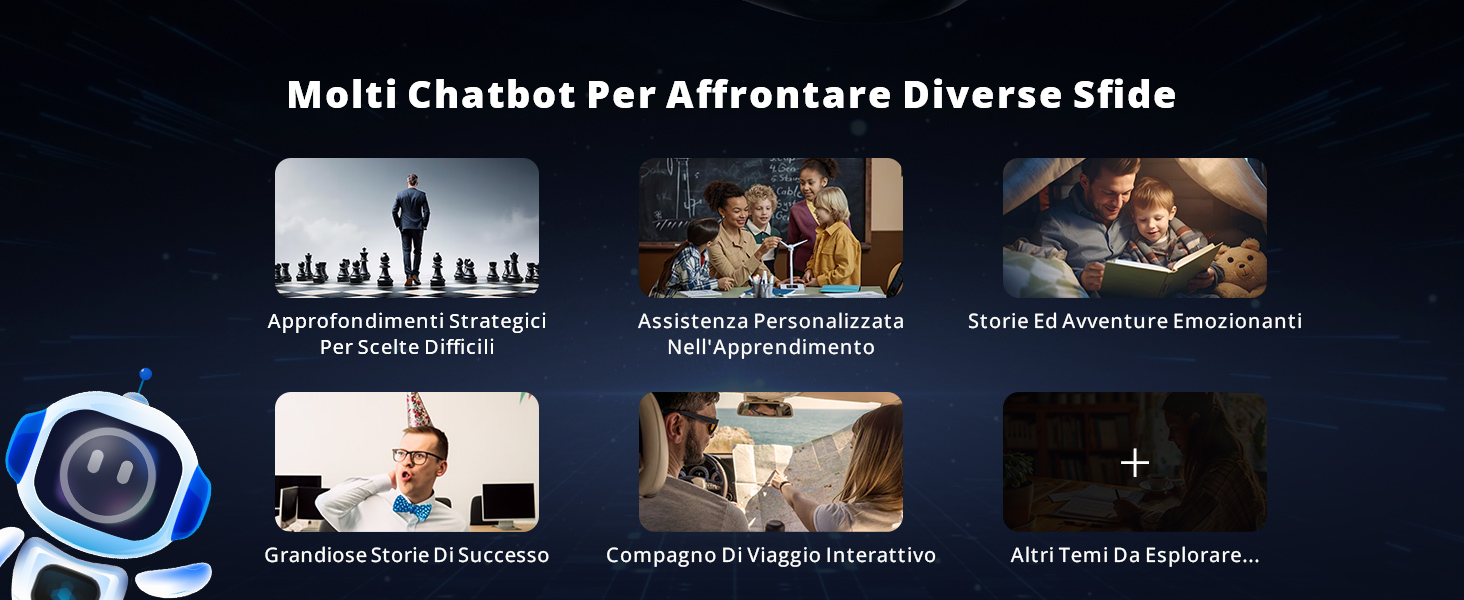
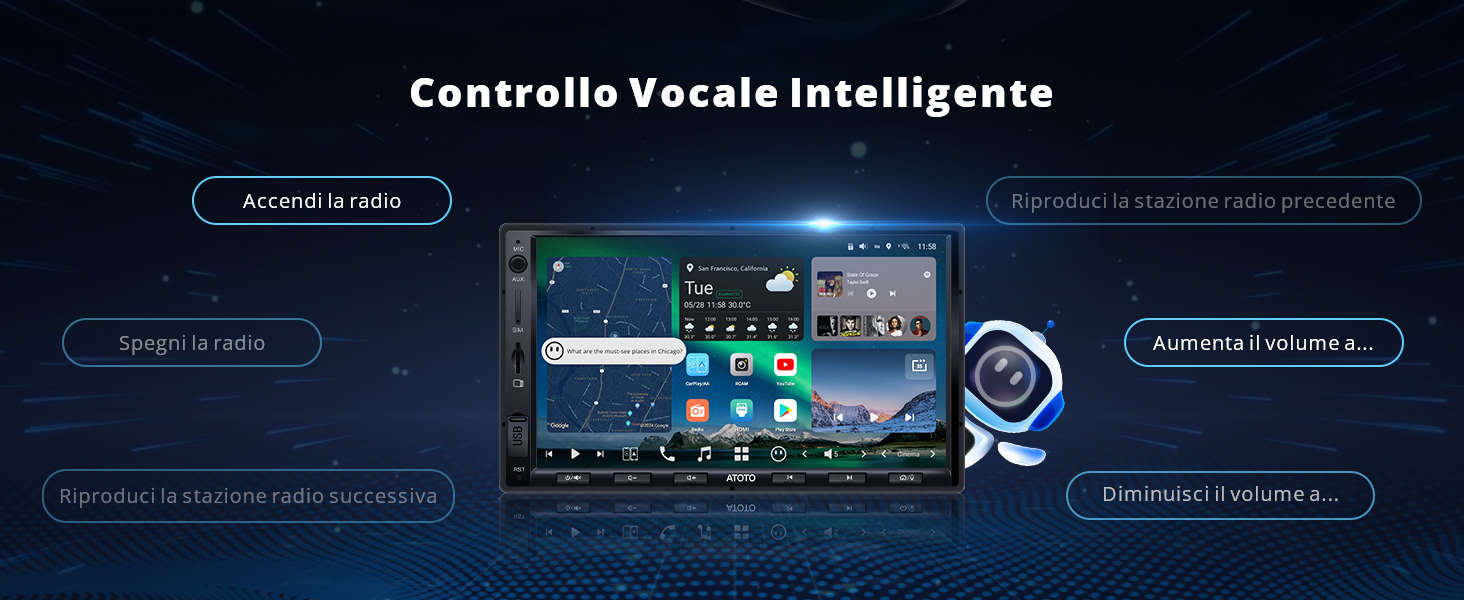
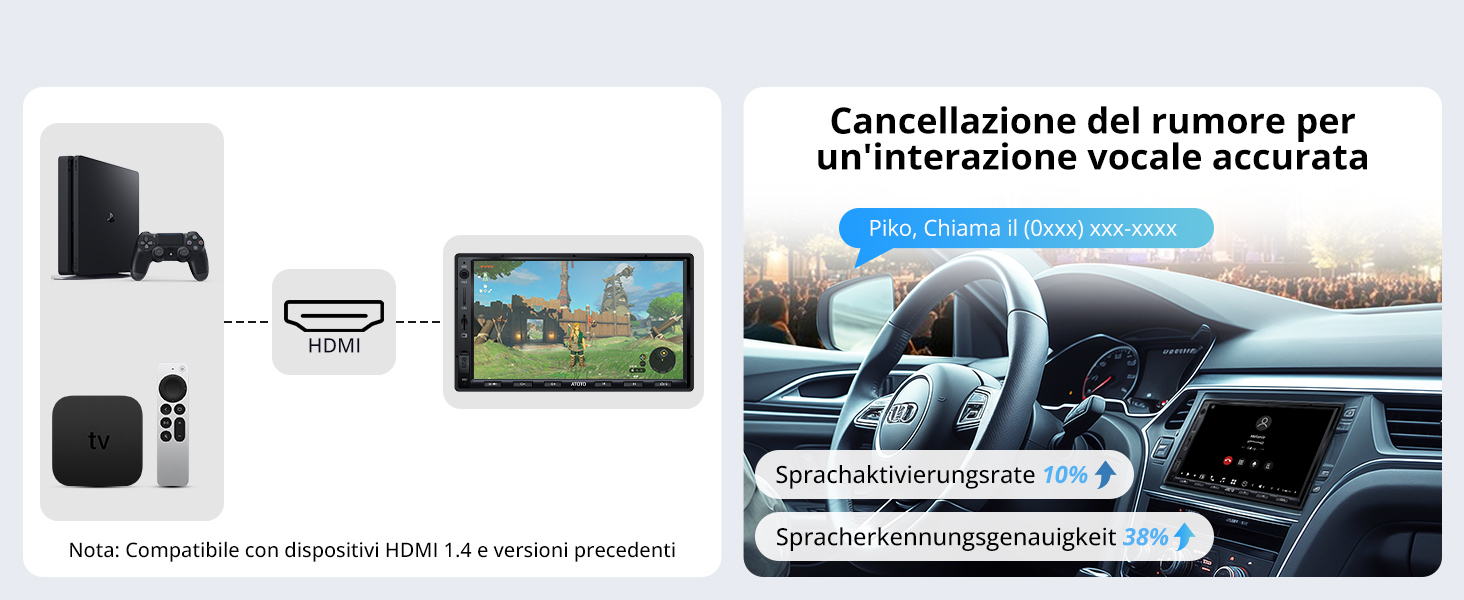
  • ChatGPT von Ihrem Auto aus: DriveChat, AI-Assistent bei X10-Modellen, AI-Gesprächsunterstützung und Sprachbefehle. Die Stornierung des Gerüchtes um 10 % und die Anzahl der Anstrengungen betrugen 38 % und die Präzision der Sprachausgabe

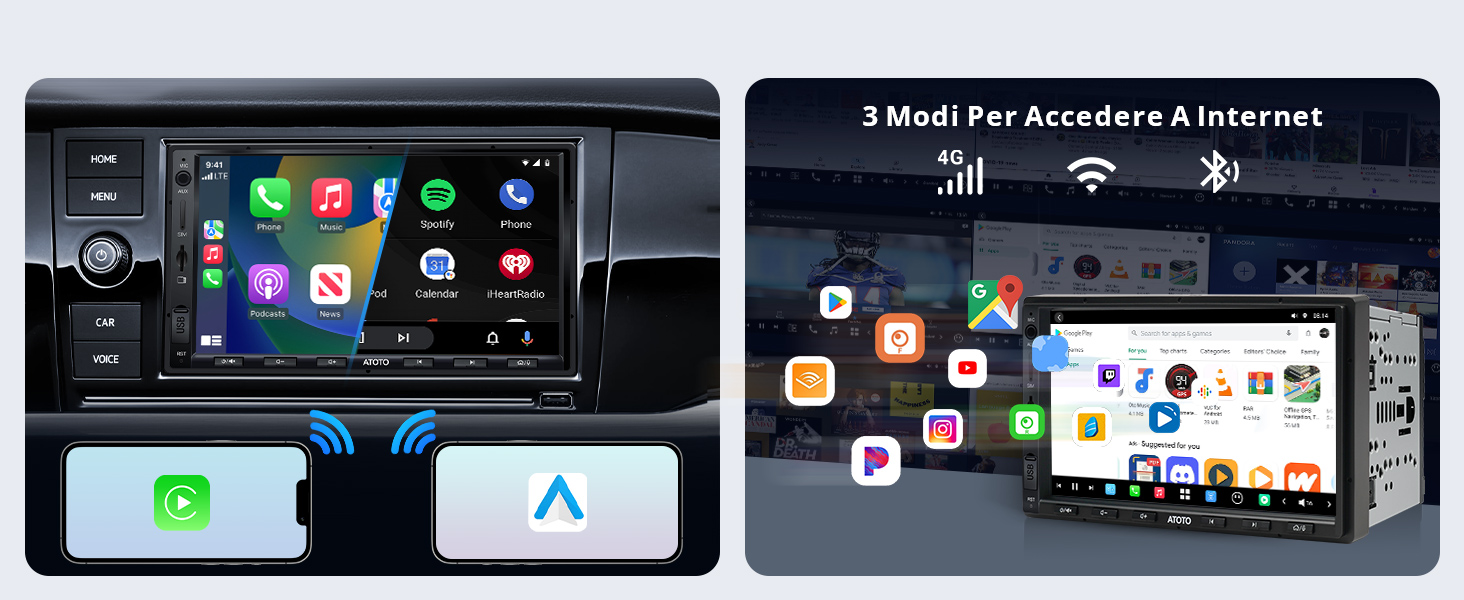
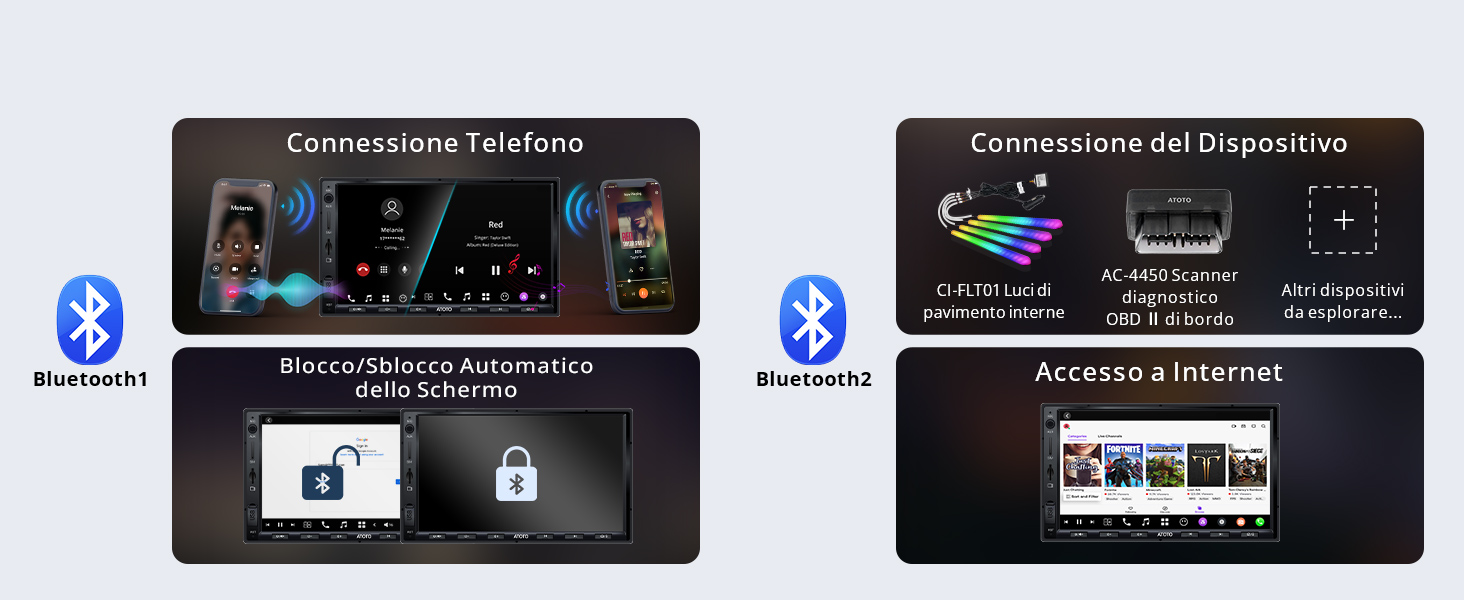
  • Konnektivität: X10 ermöglicht den Anschluss über Bluetooth1/2-Telefone für Geräte und Netzwerk; Internetzugang über 4G LTE, WLAN und Bluetooth; Unterstützt CP/AA-Wireless und OTA-Erweiterungen. Ingresso HDMI-kompatibel mit HDMI 1.4 und mehr Geräte

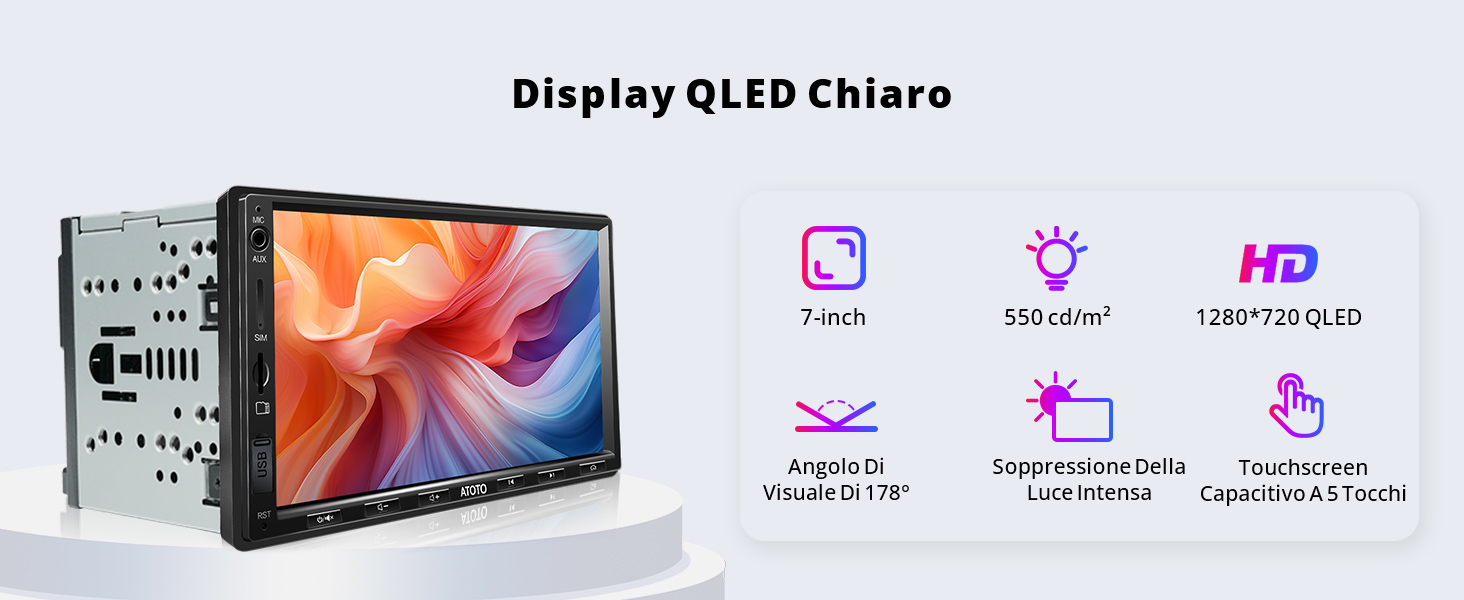
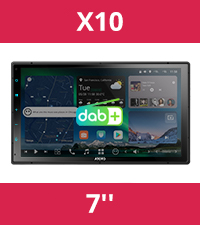
  • QLED-Display mit 7 Zoll und 1280 x 720: Der Bildschirm wurde mit einer starken Unterdrückung des Lichts geplant, um eine klare Vision unter dem Licht zu garantieren. X10 mit pulsierender Basis, AICE UI 13.0, Android 13, SD665, 8 GB + 128 GB.

  • Verschiedene unterstützte Anwendungen: Sie können die App „Zertifikat“ für Netflix, Claud und andere herunterladen

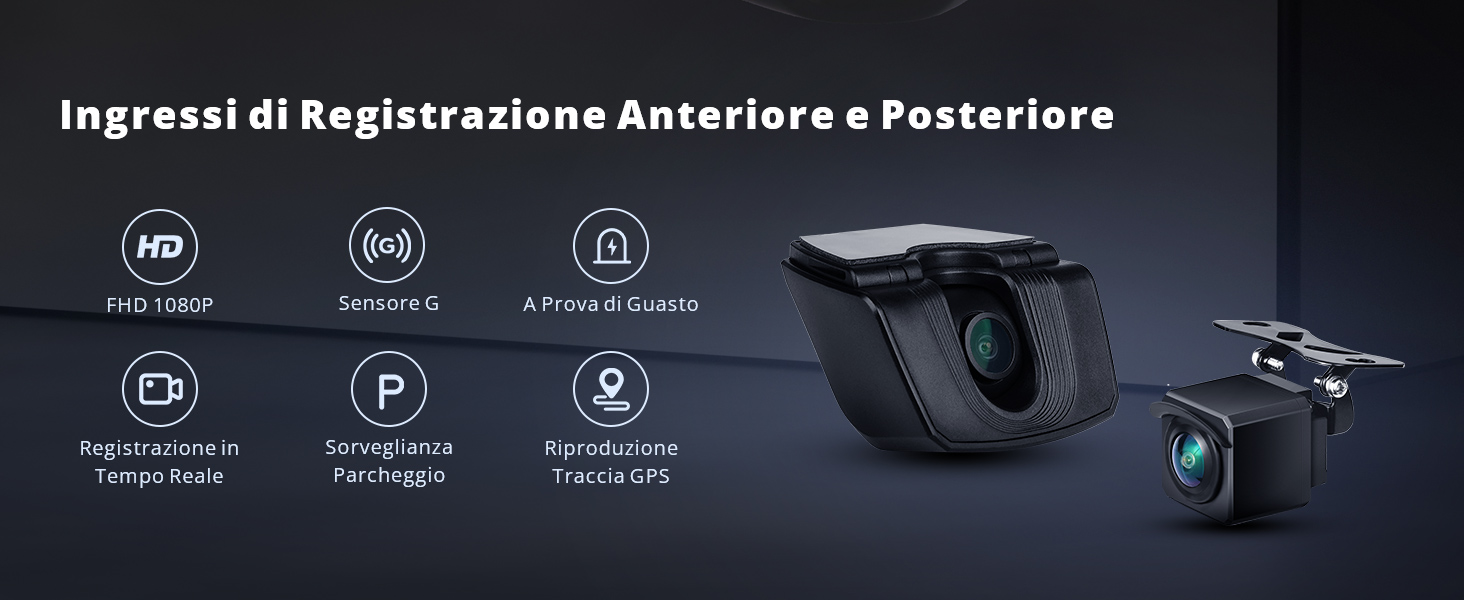
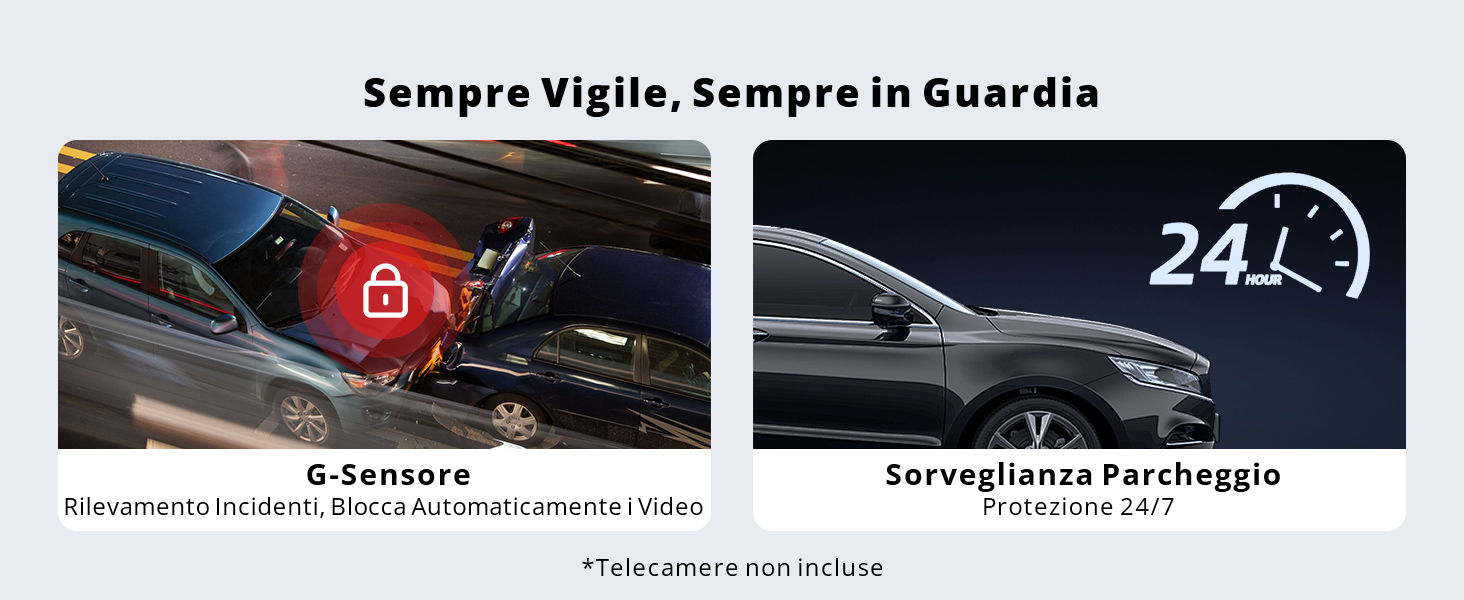
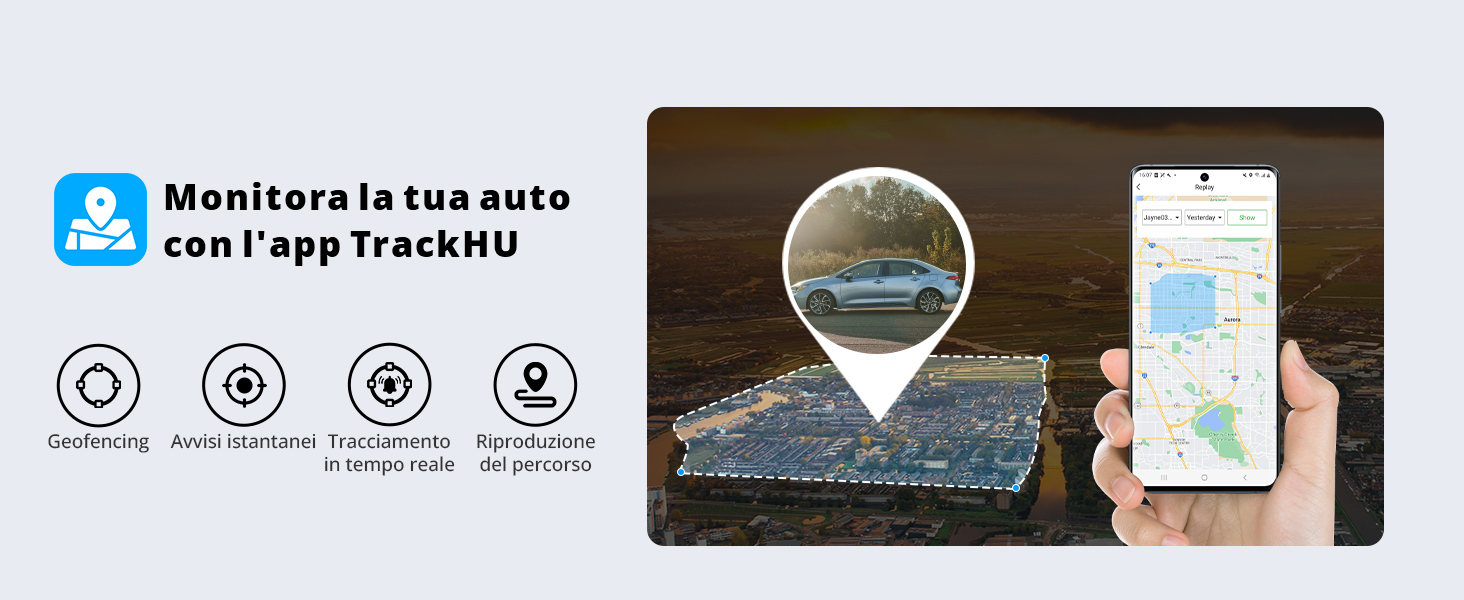
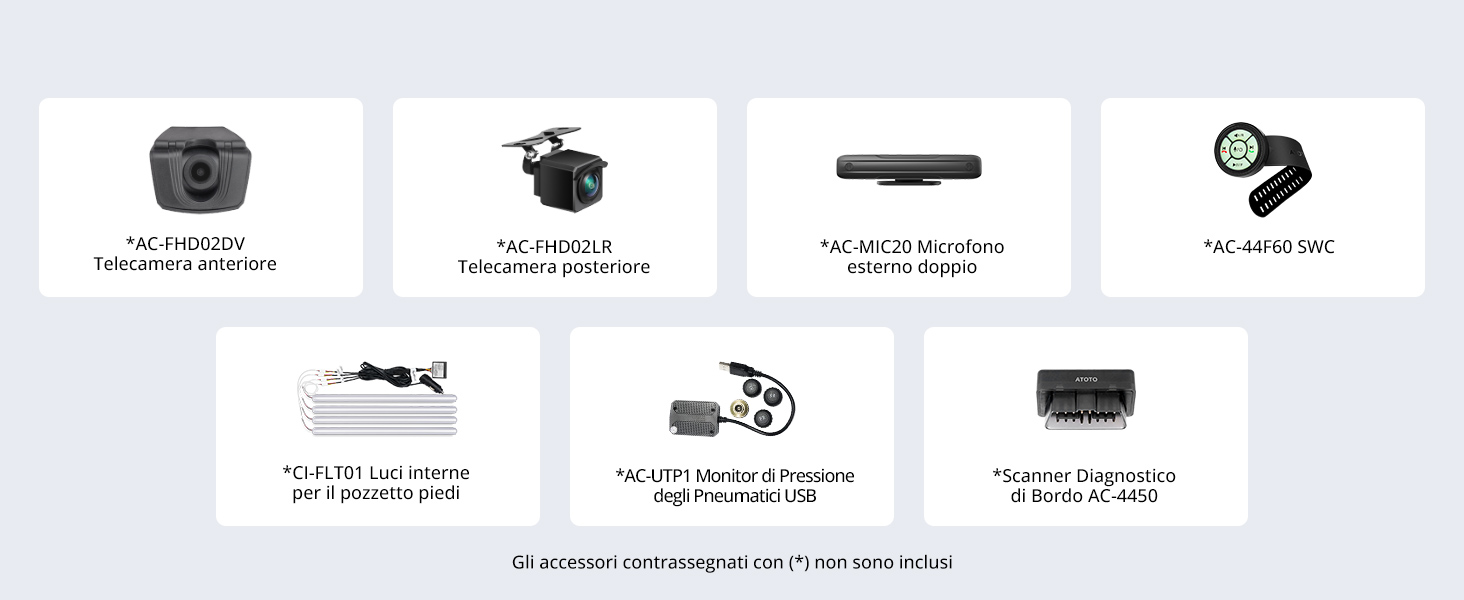
  • Weitere Informationen zur Kamera: Vordere und hintere FHD 1080P (nicht im Lieferumfang enthalten) mit GPS-Übertragung zur Lokalisierung von Ereignissen. Sensore G
    Sperren Sie die Filme im Falle einer Kollision. Der Parkplatz garantiert Sicherheit und Sicherheit bei der Registrierung und Rettung der Filme

Technische Daten

Produktparameter Parameterwert

Name der Host-Technologieplattform

X10-4G SoundPlus Edition
Code der Host-Technologieplattform X10
Versionskonfiguration in Englisch 4G SoundPlus Edition
Betriebssystemtyp Android
Betriebssystemversion 13
Unterstützung für externen SD-Speicher NEIN
Unterstützung für externen USB-Speicher Max. 2 TB
Modell des Hauptsteuerchips Snapdragon 665 (QCM6125)
Speicher 128 GB
Arbeitsspeicher 8 GB
Eingebautes Kommunikationsmodul JA
WLAN-Hotspot-Verbindung JA, 2,4 und 5,0 GHz
Bildschirmmaterial QLED
Standard-Bluetooth Bluetooth 5.0, unterstützt HFP, HSP, A2DP, AVRCP, PBAP
Sekundäres Bluetooth Bluetooth2 unterstützt Bluetooth-Tethering und BLE-Verbindung
Kabelgebundenes CarPlay NEIN
Kabelloses CarPlay JA
Kabelgebundenes Android Auto NEIN
Kabelloses Android Auto JA

Bewertungen (14)

Customer Reviews

Based on 14 reviews
0%
(0)
100%
(14)
0%
(0)
0%
(0)
0%
(0)
R
R. Blakemore
Good-value very versatile head unit for a car with Double DIN Slot

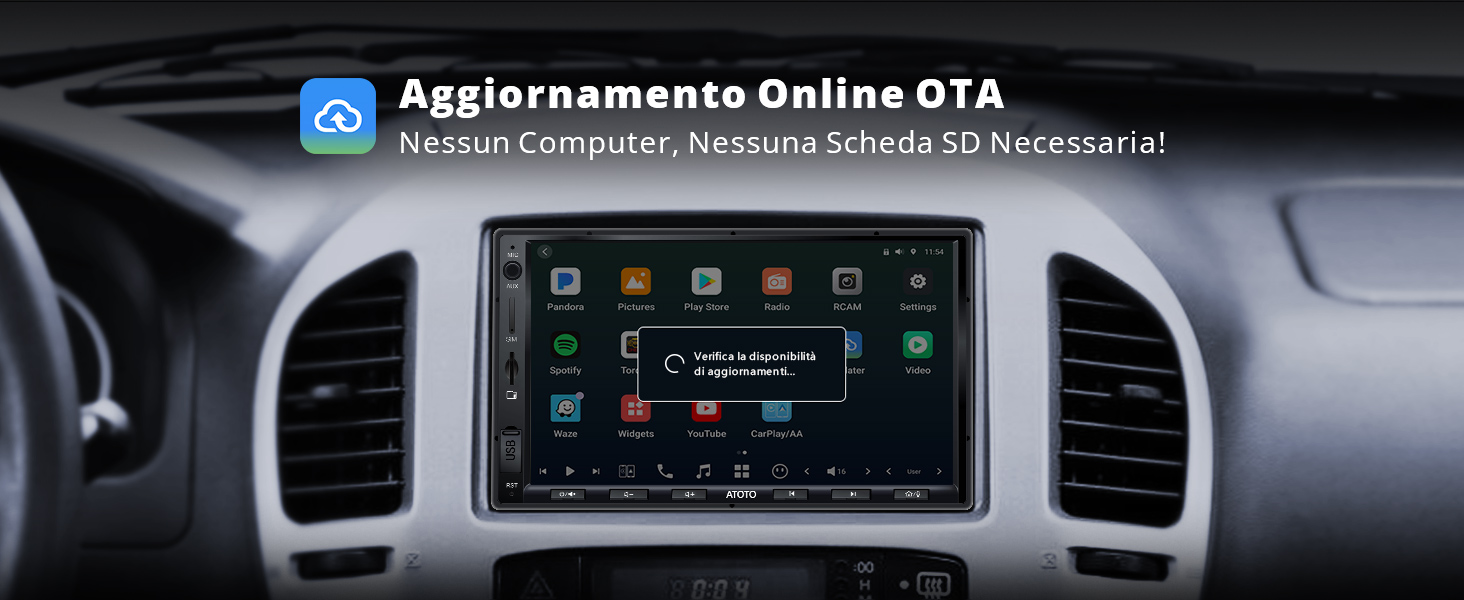
Four years ago I purchased the 'ATOTO S8 Standard 7 inch Double-DIN Car Stereo' to put into my Ford Focus Mk1. It was good - but I wanted to try an upgrade.I imagined that the installation would be a simple like-for-like replacement (just removing the old Atoto S8 and installing this one). It was a seamless installation so didn't disappoint. Installation was as simple as taking out the old unit, and plugging in the new cabling to the old setup. [Since my Ford car did not come with a factory Double DIN slot, four years ago I put in a replacement car dash fascia and this new X10 fits into that old Double-DIN car dash fascia without issue, just like the old S8 did.]One of my main reasons for wanting to upgrade was that the previous S8 unit required firmware updates to be carried out offline via SD Card, which was quite a faff. This X10 Atoto unit now offers auto-updates over the air. Atoto are regularly pushing updates and fixes (which is great), so I wanted a seamless way of receiving these.It runs regular Android as the base OS (so you can install whatever you like via Google Play), and I also use Android Auto.I'm enjoying using the device, but have hit a few snags. Those I'm talking with support to help them address/fix the issue - they are responsive and helpful.1) The biggest gripe I have - which and making me drop a star (hopefully this will get resolved via the ongoing Atoto customer support, and if it does I'll up to 5*) is that the Bluetooth audio is dropping out NAVIGATION audio (and only navigation audio!) at random times:  It happens in both Waze and Maps. Navigation audio just stops, when all other sounds are ok.  All other applications seem fine.  For instance - I use BBC sounds regularly, and that never goes wrong. BBC sounds will keep playing, or the radio/whatever, but the navigation audio silently stops coming through - when it has just been working. It makes no sense to me. I can relatively easily get the navigation audio back, but I need to reboot the Atoto unit to do it.2) On my old Atoto, it used to change into night mode instantly in both Waze and Google Maps whenever I put on the headlights - but this X10 device is not doing that any more, despite an identical connection. I can change settings in my *phone* on Waze that make the Atoto automatically go into night mode at night [so night mode is auto-triggered by time of day, which is a good enough workaround]. But I can't yet find any method to put Google Maps automatically into night mode at all. I need to change it manually (within Android Auto settings on my phone) each night if I want to change it. So I'm currently sticking to using only using Waze, which is ok for me as it is better software.I'm hopeful that the future firmware updates will fix the above issues. Atoto are very good with customer service. And they've already said they'll pass on other suggestions from me to their support team.For instance - I've found the settings to increase the font size in Settings - [i - which is a sub-menu] - Accessibility - Display size and text - Font size (Make text bigger or smaller). That's a useful thing to change - and I suggested they lift this out into a top menu shortcut, which they're looking into for example.Given that firmware updates are much much easier on this X10 unit (as they're over-the-air), if they do fix the display and audio bugs, it will be very easy to install the firmware updates and get those latest fixes.Overall I'm pleased with the product as I see it as an improvement on what I had in before. I'll come back and update the review if I can get those snags fixed with support.

R
R. Blakemore
Good-value very versatile head unit for a car with Double DIN Slot

Four years ago I purchased the 'ATOTO S8 Standard 7 inch Double-DIN Car Stereo' to put into my Ford Focus Mk1. It was good - but I wanted to try an upgrade.I imagined that the installation would be a simple like-for-like replacement (just removing the old Atoto S8 and installing this one). It was a seamless installation so didn't disappoint. Installation was as simple as taking out the old unit, and plugging in the new cabling to the old setup. [Since my Ford car did not come with a factory Double DIN slot, four years ago I put in a replacement car dash fascia and this new X10 fits into that old Double-DIN car dash fascia without issue, just like the old S8 did.]One of my main reasons for wanting to upgrade was that the previous S8 unit required firmware updates to be carried out offline via SD Card, which was quite a faff. This X10 Atoto unit now offers auto-updates over the air. Atoto are regularly pushing updates and fixes (which is great), so I wanted a seamless way of receiving these.It runs regular Android as the base OS (so you can install whatever you like via Google Play), and I also use Android Auto.I'm enjoying using the device, but have hit a few snags. Those I'm talking with support to help them address/fix the issue - they are responsive and helpful.1) The biggest gripe I have - which and making me drop a star (hopefully this will get resolved via the ongoing Atoto customer support, and if it does I'll up to 5*) is that the Bluetooth audio is dropping out NAVIGATION audio (and only navigation audio!) at random times:  It happens in both Waze and Maps. Navigation audio just stops, when all other sounds are ok.  All other applications seem fine.  For instance - I use BBC sounds regularly, and that never goes wrong. BBC sounds will keep playing, or the radio/whatever, but the navigation audio silently stops coming through - when it has just been working. It makes no sense to me. I can relatively easily get the navigation audio back, but I need to reboot the Atoto unit to do it.2) On my old Atoto, it used to change into night mode instantly in both Waze and Google Maps whenever I put on the headlights - but this X10 device is not doing that any more, despite an identical connection. I can change settings in my *phone* on Waze that make the Atoto automatically go into night mode at night [so night mode is auto-triggered by time of day, which is a good enough workaround]. But I can't yet find any method to put Google Maps automatically into night mode at all. I need to change it manually (within Android Auto settings on my phone) each night if I want to change it. So I'm currently sticking to using only using Waze, which is ok for me as it is better software.I'm hopeful that the future firmware updates will fix the above issues. Atoto are very good with customer service. And they've already said they'll pass on other suggestions from me to their support team.For instance - I've found the settings to increase the font size in Settings - [i - which is a sub-menu] - Accessibility - Display size and text - Font size (Make text bigger or smaller). That's a useful thing to change - and I suggested they lift this out into a top menu shortcut, which they're looking into for example.Given that firmware updates are much much easier on this X10 unit (as they're over-the-air), if they do fix the display and audio bugs, it will be very easy to install the firmware updates and get those latest fixes.Overall I'm pleased with the product as I see it as an improvement on what I had in before. I'll come back and update the review if I can get those snags fixed with support.

R
R. Blakemore
Good-value very versatile head unit for a car with Double DIN Slot

Four years ago I purchased the 'ATOTO S8 Standard 7 inch Double-DIN Car Stereo' to put into my Ford Focus Mk1. It was good - but I wanted to try an upgrade.I imagined that the installation would be a simple like-for-like replacement (just removing the old Atoto S8 and installing this one). It was a seamless installation so didn't disappoint. Installation was as simple as taking out the old unit, and plugging in the new cabling to the old setup. [Since my Ford car did not come with a factory Double DIN slot, four years ago I put in a replacement car dash fascia and this new X10 fits into that old Double-DIN car dash fascia without issue, just like the old S8 did.]One of my main reasons for wanting to upgrade was that the previous S8 unit required firmware updates to be carried out offline via SD Card, which was quite a faff. This X10 Atoto unit now offers auto-updates over the air. Atoto are regularly pushing updates and fixes (which is great), so I wanted a seamless way of receiving these.It runs regular Android as the base OS (so you can install whatever you like via Google Play), and I also use Android Auto.I'm enjoying using the device, but have hit a few snags. Those I'm talking with support to help them address/fix the issue - they are responsive and helpful.1) The biggest gripe I have - which and making me drop a star (hopefully this will get resolved via the ongoing Atoto customer support, and if it does I'll up to 5*) is that the Bluetooth audio is dropping out NAVIGATION audio (and only navigation audio!) at random times:  It happens in both Waze and Maps. Navigation audio just stops, when all other sounds are ok.  All other applications seem fine.  For instance - I use BBC sounds regularly, and that never goes wrong. BBC sounds will keep playing, or the radio/whatever, but the navigation audio silently stops coming through - when it has just been working. It makes no sense to me. I can relatively easily get the navigation audio back, but I need to reboot the Atoto unit to do it.2) On my old Atoto, it used to change into night mode instantly in both Waze and Google Maps whenever I put on the headlights - but this X10 device is not doing that any more, despite an identical connection. I can change settings in my *phone* on Waze that make the Atoto automatically go into night mode at night [so night mode is auto-triggered by time of day, which is a good enough workaround]. But I can't yet find any method to put Google Maps automatically into night mode at all. I need to change it manually (within Android Auto settings on my phone) each night if I want to change it. So I'm currently sticking to using only using Waze, which is ok for me as it is better software.I'm hopeful that the future firmware updates will fix the above issues. Atoto are very good with customer service. And they've already said they'll pass on other suggestions from me to their support team.For instance - I've found the settings to increase the font size in Settings - [i - which is a sub-menu] - Accessibility - Display size and text - Font size (Make text bigger or smaller). That's a useful thing to change - and I suggested they lift this out into a top menu shortcut, which they're looking into for example.Given that firmware updates are much much easier on this X10 unit (as they're over-the-air), if they do fix the display and audio bugs, it will be very easy to install the firmware updates and get those latest fixes.Overall I'm pleased with the product as I see it as an improvement on what I had in before. I'll come back and update the review if I can get those snags fixed with support.

R
R. Blakemore
Good-value very versatile head unit for a car with Double DIN Slot

Four years ago I purchased the 'ATOTO S8 Standard 7 inch Double-DIN Car Stereo' to put into my Ford Focus Mk1. It was good - but I wanted to try an upgrade.I imagined that the installation would be a simple like-for-like replacement (just removing the old Atoto S8 and installing this one). It was a seamless installation so didn't disappoint. Installation was as simple as taking out the old unit, and plugging in the new cabling to the old setup. [Since my Ford car did not come with a factory Double DIN slot, four years ago I put in a replacement car dash fascia and this new X10 fits into that old Double-DIN car dash fascia without issue, just like the old S8 did.]One of my main reasons for wanting to upgrade was that the previous S8 unit required firmware updates to be carried out offline via SD Card, which was quite a faff. This X10 Atoto unit now offers auto-updates over the air. Atoto are regularly pushing updates and fixes (which is great), so I wanted a seamless way of receiving these.It runs regular Android as the base OS (so you can install whatever you like via Google Play), and I also use Android Auto.I'm enjoying using the device, but have hit a few snags. Those I'm talking with support to help them address/fix the issue - they are responsive and helpful.1) The biggest gripe I have - which and making me drop a star (hopefully this will get resolved via the ongoing Atoto customer support, and if it does I'll up to 5*) is that the Bluetooth audio is dropping out NAVIGATION audio (and only navigation audio!) at random times:  It happens in both Waze and Maps. Navigation audio just stops, when all other sounds are ok.  All other applications seem fine.  For instance - I use BBC sounds regularly, and that never goes wrong. BBC sounds will keep playing, or the radio/whatever, but the navigation audio silently stops coming through - when it has just been working. It makes no sense to me. I can relatively easily get the navigation audio back, but I need to reboot the Atoto unit to do it.2) On my old Atoto, it used to change into night mode instantly in both Waze and Google Maps whenever I put on the headlights - but this X10 device is not doing that any more, despite an identical connection. I can change settings in my *phone* on Waze that make the Atoto automatically go into night mode at night [so night mode is auto-triggered by time of day, which is a good enough workaround]. But I can't yet find any method to put Google Maps automatically into night mode at all. I need to change it manually (within Android Auto settings on my phone) each night if I want to change it. So I'm currently sticking to using only using Waze, which is ok for me as it is better software.I'm hopeful that the future firmware updates will fix the above issues. Atoto are very good with customer service. And they've already said they'll pass on other suggestions from me to their support team.For instance - I've found the settings to increase the font size in Settings - [i - which is a sub-menu] - Accessibility - Display size and text - Font size (Make text bigger or smaller). That's a useful thing to change - and I suggested they lift this out into a top menu shortcut, which they're looking into for example.Given that firmware updates are much much easier on this X10 unit (as they're over-the-air), if they do fix the display and audio bugs, it will be very easy to install the firmware updates and get those latest fixes.Overall I'm pleased with the product as I see it as an improvement on what I had in before. I'll come back and update the review if I can get those snags fixed with support.

R
R. Blakemore
Good-value very versatile head unit for a car with Double DIN Slot

Four years ago I purchased the 'ATOTO S8 Standard 7 inch Double-DIN Car Stereo' to put into my Ford Focus Mk1. It was good - but I wanted to try an upgrade.I imagined that the installation would be a simple like-for-like replacement (just removing the old Atoto S8 and installing this one). It was a seamless installation so didn't disappoint. Installation was as simple as taking out the old unit, and plugging in the new cabling to the old setup. [Since my Ford car did not come with a factory Double DIN slot, four years ago I put in a replacement car dash fascia and this new X10 fits into that old Double-DIN car dash fascia without issue, just like the old S8 did.]One of my main reasons for wanting to upgrade was that the previous S8 unit required firmware updates to be carried out offline via SD Card, which was quite a faff. This X10 Atoto unit now offers auto-updates over the air. Atoto are regularly pushing updates and fixes (which is great), so I wanted a seamless way of receiving these.It runs regular Android as the base OS (so you can install whatever you like via Google Play), and I also use Android Auto.I'm enjoying using the device, but have hit a few snags. Those I'm talking with support to help them address/fix the issue - they are responsive and helpful.1) The biggest gripe I have - which and making me drop a star (hopefully this will get resolved via the ongoing Atoto customer support, and if it does I'll up to 5*) is that the Bluetooth audio is dropping out NAVIGATION audio (and only navigation audio!) at random times:  It happens in both Waze and Maps. Navigation audio just stops, when all other sounds are ok.  All other applications seem fine.  For instance - I use BBC sounds regularly, and that never goes wrong. BBC sounds will keep playing, or the radio/whatever, but the navigation audio silently stops coming through - when it has just been working. It makes no sense to me. I can relatively easily get the navigation audio back, but I need to reboot the Atoto unit to do it.2) On my old Atoto, it used to change into night mode instantly in both Waze and Google Maps whenever I put on the headlights - but this X10 device is not doing that any more, despite an identical connection. I can change settings in my *phone* on Waze that make the Atoto automatically go into night mode at night [so night mode is auto-triggered by time of day, which is a good enough workaround]. But I can't yet find any method to put Google Maps automatically into night mode at all. I need to change it manually (within Android Auto settings on my phone) each night if I want to change it. So I'm currently sticking to using only using Waze, which is ok for me as it is better software.I'm hopeful that the future firmware updates will fix the above issues. Atoto are very good with customer service. And they've already said they'll pass on other suggestions from me to their support team.For instance - I've found the settings to increase the font size in Settings - [i - which is a sub-menu] - Accessibility - Display size and text - Font size (Make text bigger or smaller). That's a useful thing to change - and I suggested they lift this out into a top menu shortcut, which they're looking into for example.Given that firmware updates are much much easier on this X10 unit (as they're over-the-air), if they do fix the display and audio bugs, it will be very easy to install the firmware updates and get those latest fixes.Overall I'm pleased with the product as I see it as an improvement on what I had in before. I'll come back and update the review if I can get those snags fixed with support.

Zahlung & Sicherheit

Zahlungsarten

  • American Express
  • Apple Pay
  • Bancontact
  • Google Pay
  • iDEAL Wero
  • Mastercard
  • PayPal
  • Shop Pay
  • Union Pay
  • Visa
  • Klarna
  • Afterpay

Ihre Zahlungsinformationen werden sicher verarbeitet. Wir speichern weder Kreditkartendaten noch haben wir Zugriff auf Ihre Kreditkarteninformationen.
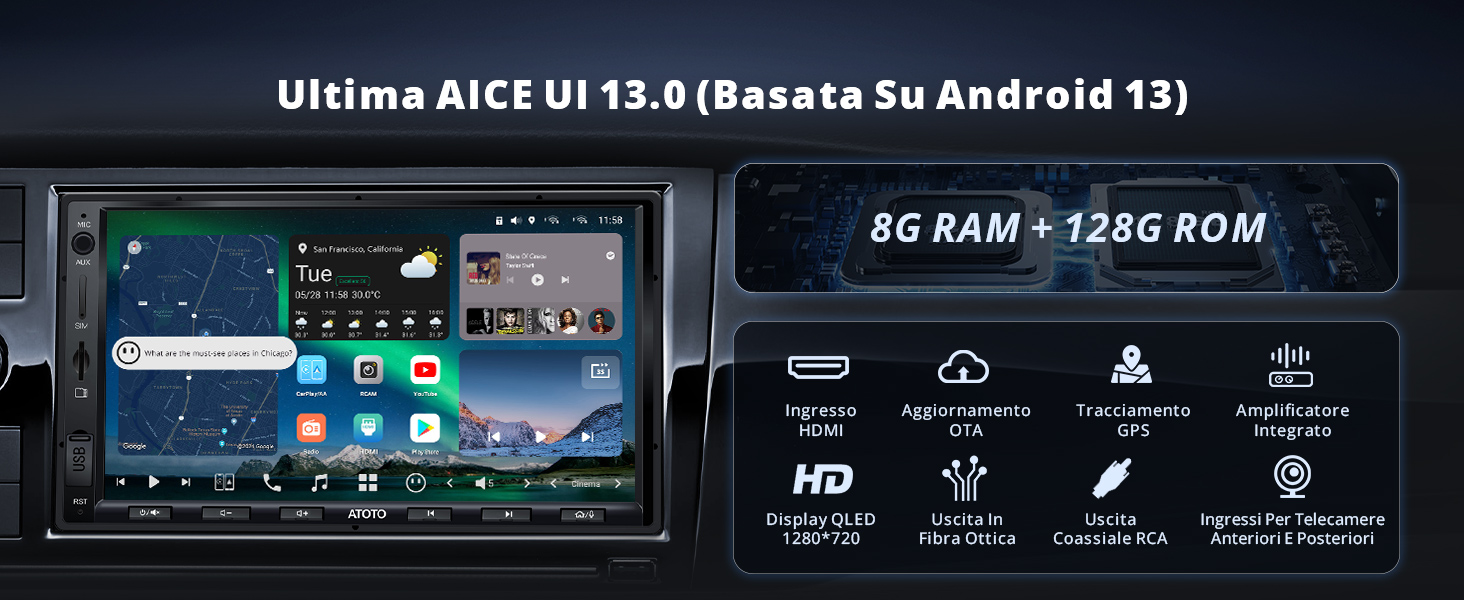
4:1

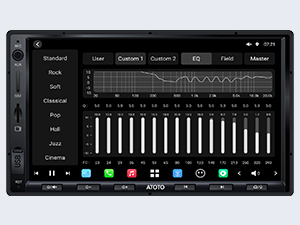
Leistungsstarker integrierter Verstärker mit 36-Band-Equalizer und 8 voreingestellten EQs zur individuellen Anpassung des EQ-Effekts.
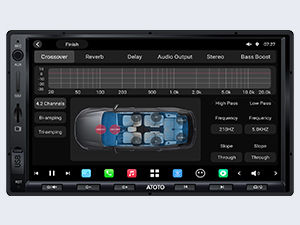
4-2

6 Audio-Optionen: Crossover, Riverbero, Delay, US-Audio, Stereo, Bass-Potenzial.
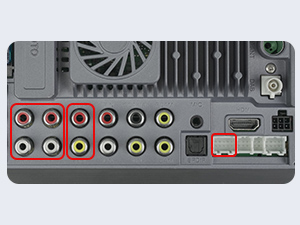
4-3

Verwenden Sie Subwoofer SUBR und SUBL: Bass-Potenzial

Uscite Medio FR/FL: Medie Chiare

Uscite Tweeter FR/FL: Bei hoher heller Frequenz einstellen
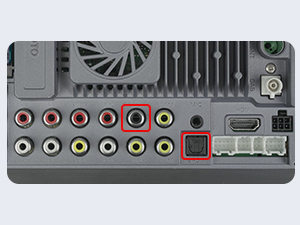
4-4

Wir haben eine hochmoderne und kristallklare Atmosphäre mit Uscite in Fibra Ottica und RCA Coassiali erhalten.
6-1

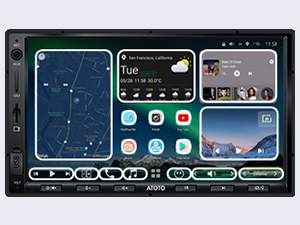
Höchste Personalisierung: Personalisierungsstil der ersten Seite, Auswahl auf mehreren Seiten und Widgets für ein personalisiertes Erlebnis.
6-2

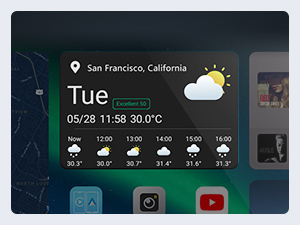
Aktuelles Wetter: Das aktuelle Wetter des X10 wird mit den neuesten lokalen meteorologischen Informationen aktualisiert.
6-3

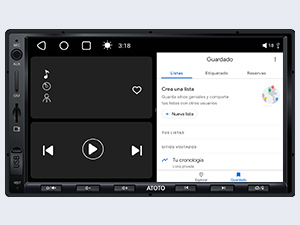
Unterteilung: Visualisierung und Nutzung der App gleichzeitig auf dem Bildschirm.
6-4

Schnell in 2 Sekunden losfahren: Wenn Sie Ihr X10 nicht zwei Sekunden lang verlassen haben, wenden Sie sich an uns, um mir zu helfen.

Anleitung zum Unterschied: Die Eigenschaften des ATOTO-Autoradios erweitern
1

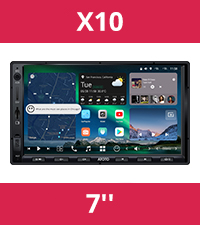
X10G2A7E

2

X10DG2B7E

3

X10DG209E

4

X10DG211E

5

A6G2B7PL

6

A5LG2A7T

7

A5LG2B7T

Prozessor / Speicher und Arch
SD665 (QCM6125), 8 Kerne, 8G + 128G SD665 (QCM6125), 8 Kerne, 8G + 128G SD665 (QCM6125), 8-Kern, 8G+128G SD665 (QCM6125), 8-Kern, 8G+128G 8-Core ARM Cortex A55; QuaCore ARM-Prozessor; 2G+32G QuaCore ARM-Prozessor; 2G+32G
Bildschirmanzeige
QLED 1280*720 ;Pulsant QLED 1280*720; Schermo tattile QLED 1280*800; Schermo tattile QLED 1280*800; Schermo tattile QLED 1024*600; Schermo tattile IPS 1280 x 720; Pulsierend IPS 1280 x 720; Tattile-Schere
Bluetooth-Telefonverbindung
Duale Telefonverbindung Duale Telefonverbindung Duale Telefonverbindung Duale Telefonverbindung Singolo Singolo Singolo
Chip Bluetooth
Bluetooth Dual Bluetooth Dual Bluetooth Dual Bluetooth Dual Bluetooth Dual Bluetooth-Einzel Bluetooth-Einzel
Carplay/Android Auto
Ohne Fili Ohne Fili Ohne Fili Ohne Fili Ohne Fili / ohne Kabel Ohne Fili / ohne Kabel Ohne Fili / ohne Kabel
Telefonsicherung
X X X X √ (gefedert / ohne Drähte) √ (gefedert / ohne Drähte) √ (gefedert / ohne Drähte)
Netzverbindung
4G, Bluetooth, WLAN 4G, Bluetooth, WLAN 4G, Bluetooth, WLAN 4G, Bluetooth, WLAN 4G LTE, WLAN, Bluetooth, USB WLAN, Bluetooth WLAN, Bluetooth
Vorintegrierter Verstärker
Max. 4 * 49 W, RMS 4 * 29 W Max. 4 * 49 W, RMS 4 * 29 W Max. 4 * 49 W, RMS 4 * 29 W Max. 4 * 49 W, RMS 4 * 29 W Max. 4 * 45 W, RMS 4 * 24 W Max. 4 * 45 W, RMS 4 * 24 W Max. 4 * 45 W, RMS 4 * 24 W
DSP und EQ
✓DSP, 36 B-EQ, Tempokorrektur ✓DSP, 36 B-EQ, Tempokorrektur ✓DSP, 36 B-EQ, Tempokorrektur ✓DSP, 36 B-EQ, Tempokorrektur ✓DSP, 36 B-EQ, Correz. Tempo ✓DSP, 24 B-EQ, Correz. Tempo ✓DSP, 24 B-EQ, Correz. Tempo
Audio
4-Kanal Kompl., 2 Sub, 2 Mid, Ott/RCA 4-Kanal Kompl., 2 Sub, 2 Mid, Ott/RCA 4-Kanal Kompl., 2 Sub, 2 Mid, Ott/RCA 4-Kanal Kompl., 2 Sub, 2 Mid, Ott/RCA 4.1 Kanal 4.1 Kanal 4.1 Kanal
KI-Assistent – ​​Drivechat
Netflix installieren und aktualisieren