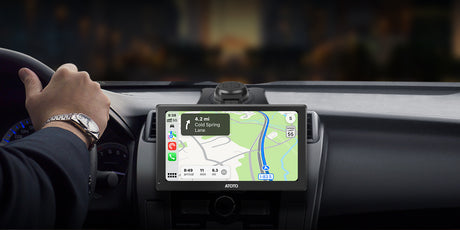


ATOTO A6PF 7 インチ オートラジオ 2 DIN Android、DAB+ ラジオ、ワイヤレス CarPlay e Senza fili Android Auto、ミラー リンク、Doppio Bluetooth、テザリング WiFi/BT/USB、Retrovisione in Tempo Reale、SWC、2G+32G、A6G2A7PF
ATOTO A6PF 7 インチ オートラジオ 2 DIN Android、DAB+ ラジオ、ワイヤレス CarPlay e Senza fili Android Auto、ミラー リンク、Doppio Bluetooth、テザリング WiFi/BT/USB、Retrovisione in Tempo Reale、SWC、2G+32G、A6G2A7PF ...は取り寄せ中で入荷次第発送します。
この商品と一緒におすすめ
安心のお買い物サポート
安心のお買い物サポート
- 30日間 返品・返金保証:万が一ご満足いただけない場合も、簡単な手続きで返品・返金を承ります。
- 国内倉庫から迅速発送:ご注文後、通常3~7営業日でお届けします。
- 最低価格保証:他店でより安い価格がございましたらお知らせください。当店が価格を調整いたします。
配送と返品について
配送と返品について
- 送料無料:
すべてのご注文は送料無料で発送され、通常7日以内にお届けします。 - 30日間返品保証:
万が一ご満足いただけない場合は、商品到着後30日以内であれば返品または交換が可能です。 - 配送保護(推奨):
より安心してお買い物いただくために、チェックアウト時にSeel配送保護の追加をおすすめします。補償を追加すると、配送の遅延・紛失・破損について直接申請が可能となり、より迅速な対応と強化された保護を受けられます。
なお、配送保護を追加されていない場合の補償は、配送業者の規定および適用条件に基づき対応されます。当社は物流に関するお問い合わせに常に対応いたしますが、補償内容は運送会社のポリシーに準じます。
登録して、いつここに来るのかを最初に知ろう
特徴
特徴
仕様
仕様
| 製品パラメーター | パラメーター値 |
|---|---|
| A6PF-Performance | |
| ホストテクノロジープラットフォームコード | A6PF |
| バージョン構成(英語) | Performance |
| オペレーティングシステムの種類 | Android |
| オペレーティングシステムのバージョン | 10.0 |
| 外部SDストレージのサポート | 最大512GB |
| 外部USBストレージのサポート | 最大2TB |
| メインコントロールチップモデル | UIS9863 |
| インストールサイズ分類 | ダブルDin |
| ストレージ | 32GB |
| メモリ | 2GB |
| 内蔵通信モジュール | いいえ |
| Wi-Fiホットスポット接続 | はい、2.4 & 5.0 Ghz |
| 画面素材 | IPS / QLED |
| デフォルトの Bluetooth | BT 4.2、HFP、HSP、A2DP、AVRCP、PBAP、SBC コーデックをサポート |
| セカンダリ Bluetooth | BT 4.2、Bluetooth テザリング、OBD 接続など |
| 画面サイズ | 7.0 |
| 有線 CarPlay | はい |
| ワイヤレス CarPlay | はい |
| 有線 Android Auto | はい |
| ワイヤレス Android Auto | はい |
レビュー (107)
レビュー (107)
支払いとセキュリティ
お支払い方法
お支払い情報は安全に処理されます。当社はクレジットカードの詳細を保存したり、お客様のクレジットカード情報にアクセスしたりすることはありません。
•
Questo ステレオ ユニバーサルは、自動必要な付属品ごとに (クルスコッティ、キャビ、アダプター アンテナなどのキットは含まれません)、イル トゥオ ヴェイコロごとに付属しています。 ATOTO の SBV を制御するための重要な要素です。
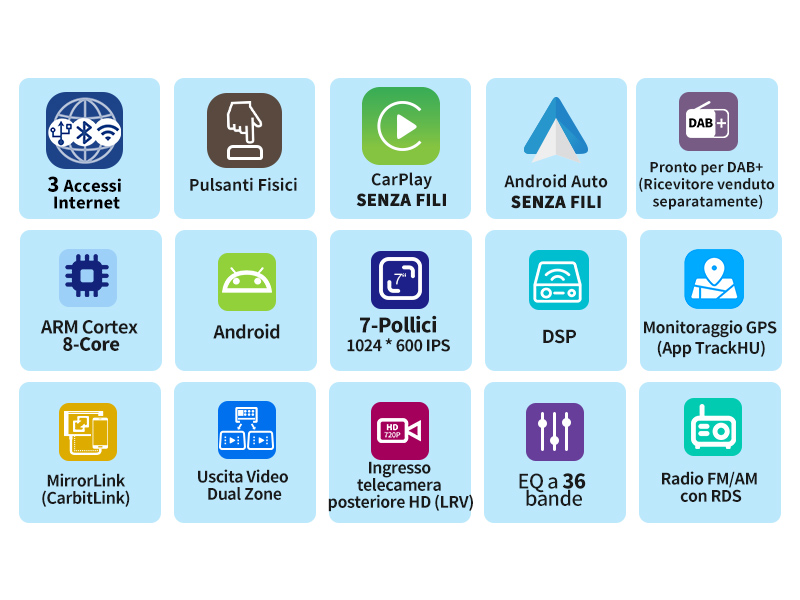
Il 7 ポールチ A6 PF は、自動でソロ ウノ ステレオではありません: 経由のコンパニョー、ナビゲーター、DJ、Android のシステムをすべて見ることができます。 E l'AC-HD01LR は、LRV (リアルタイムでの後方視覚) をサポートします。
•
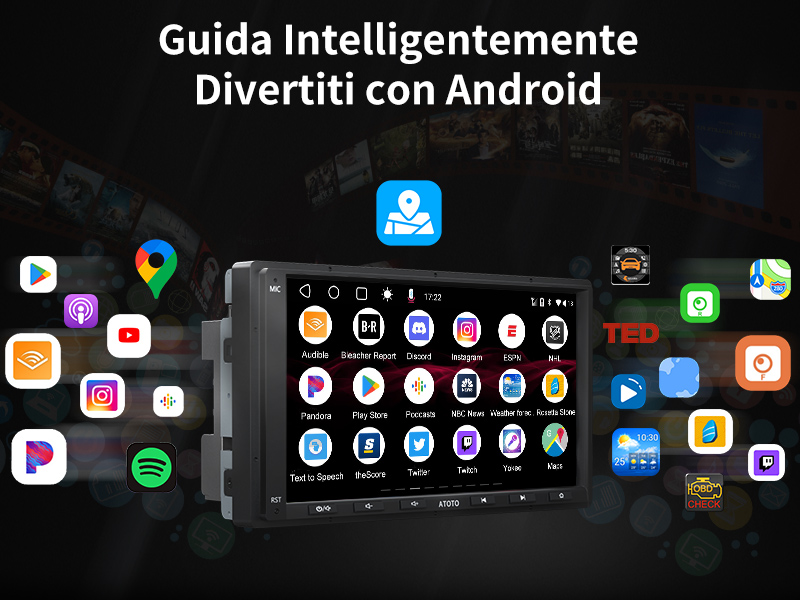
A6 (Android 10) は、Google マップ、Youtube、その他のアプリを提供します。 Wi-Fi、USB、Bluetooth に接続して簡単に接続できます。 AI スタッフが到着しました! あなたの声を支援してください!ハンズフリーで ChatGPT やジェスチャーを行うことができます。 Dici「Ciao、apri Google Maps」と「Ciao、racconta a mia figlia la favola di Biancaneve」、そしてポスト。 Personalizza A6 PF を優先してください。
注: Alcune アプリは A6 と互換性があり、Netflix とは互換性がありません。
•
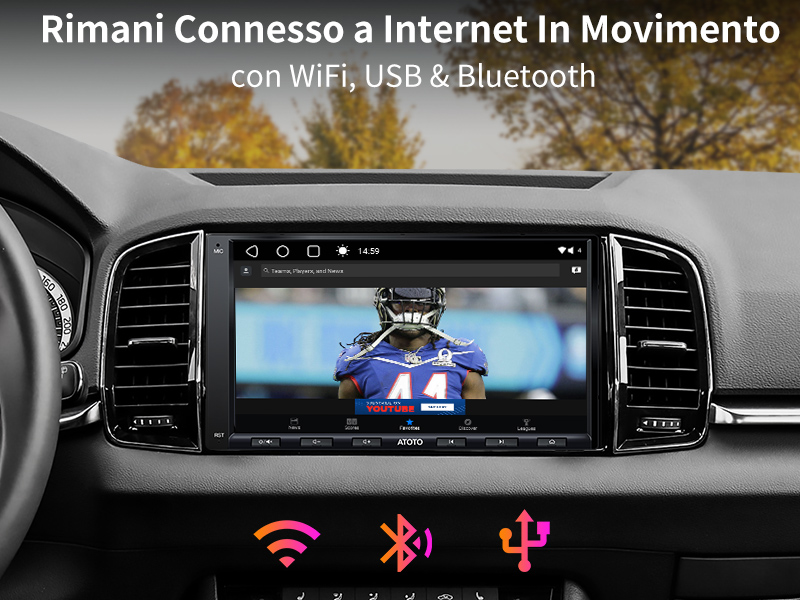
ストリーミング オイルのダウンロードごとに、Wi-Fi 2.4 および 5 GHz は安定した接続を保証します。 USB テザリングは、USB を使用して電話を送信し、Wi-Fi と同様の速度で電話を制御します。 Bluetooth をテザリングし、Bluetooth BLE を利用して、300kb/s で十分なエネルギーを消費し、Spotify と同様に音楽ストリーミングを楽しむことができます。
•
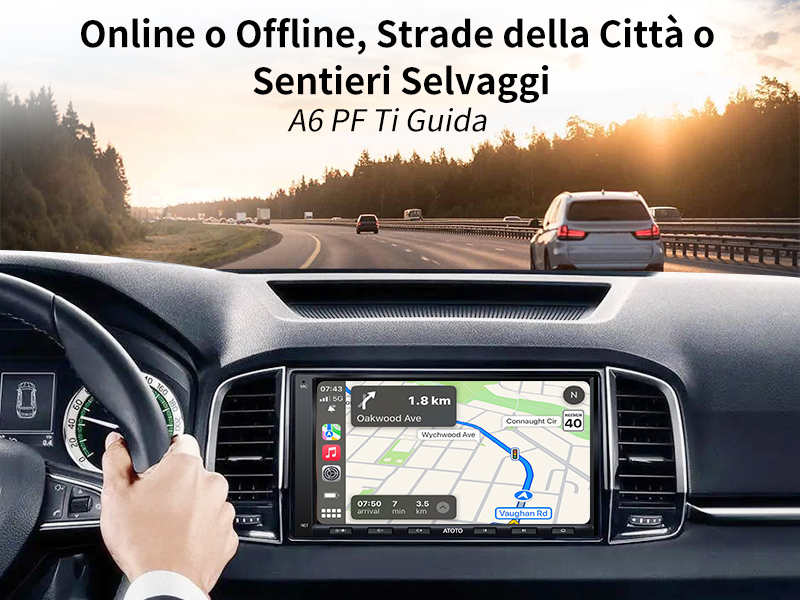
オンラインで Google Mappe を利用して CarPlay (iPh0ne)、Android Auto (電話 Android)、または A6 PF のアプリを操作できます。オンラインで地図を確認し、実際の時間内での交通状況を確認し、実際に旅行を選択してください。細胞の限界では、オフラインでナビゲートするためのチップ GPS サポートが必要です。ペリフェリアの街で日常生活を送ってください。A6 PF は、すべての作品をコピーすることができます。
•
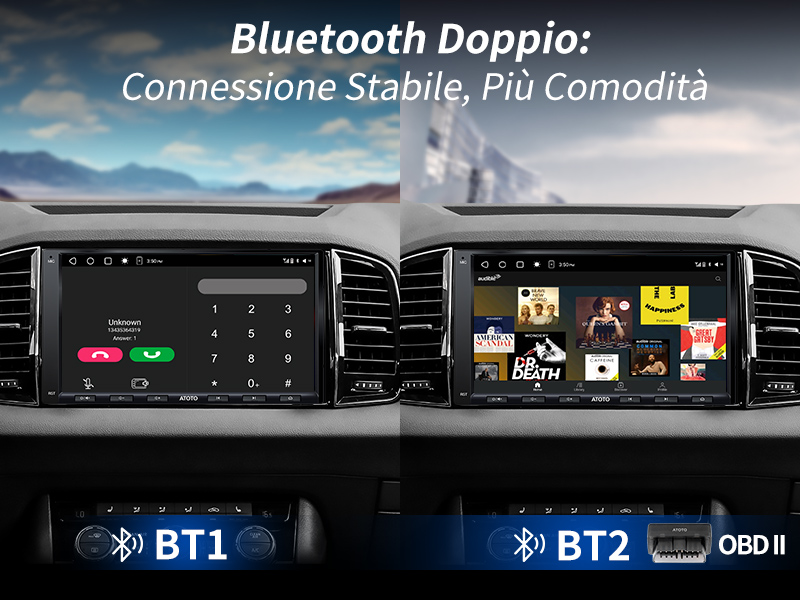
Bluetooth とスーパーアートの不安定な伝統的な問題があります。 Bluetooth の接続、A6 PF の堅牢な接続: BT1 はストリーミング オーディオ、BT2 は大学ごとに SOC を統合し、Bluetooth 側でテザリング経由でインターネットにアクセスします。 Con A6 PF、バスタ アビナーレ イル 電話、BT1 ごとに自動スケルモをブロックします。 Niente パスワード、ソロアクセス即時。
•
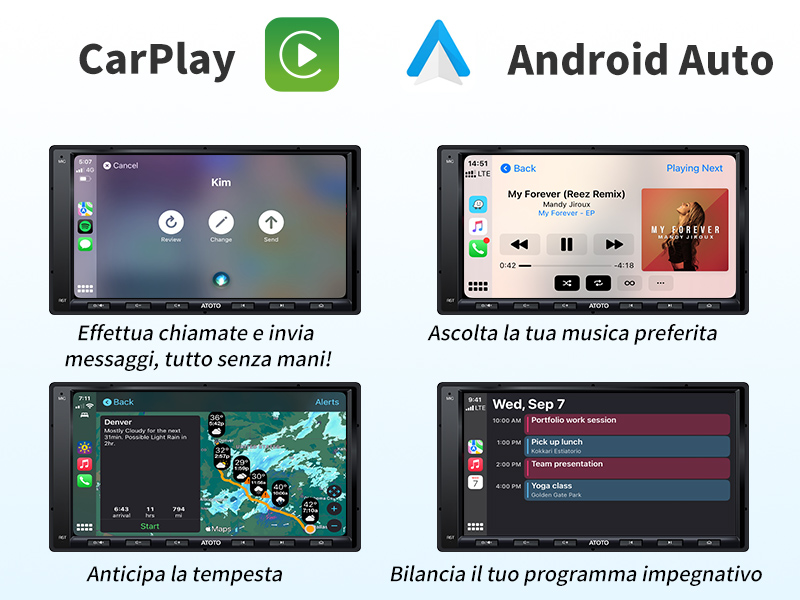
CarPlay と Android Auto フォン アプリは、自動表示、オフレンド ナビ、音楽、メッセージ、活気に満ちた会話を表示します。私は Siri と Google アシスタントを音声で楽しみます。 A6 PF は、CarPlay ですべてのラジオ FM/AM またはすべての音楽 USB を搭載し、自動で無容量ステレオを搭載しています。注: Questa の機能特有の機能は Android Auto をサポートしていません。
•
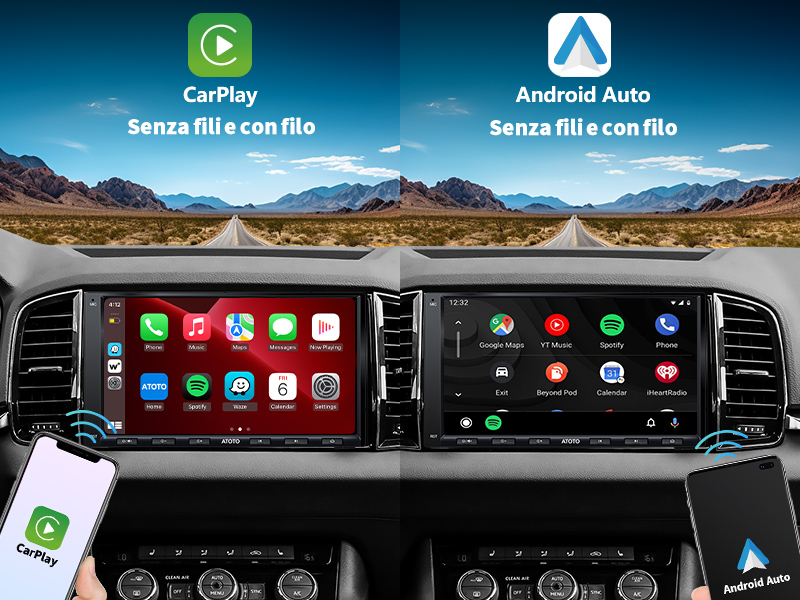
CarPlay/Android Auto ワイヤレスごとに、Bluetooth と速度を接続します。プリマ ボルタの接続を安定させ、プロッシマ ボルタを自動で実行します。 CarPlay/Android Auto ごとに、iPh0ne/電話機で Android の「電話番号の収集」を A6 PF に接続し、CarPlay/Android Auto の自動接続を 3 秒以内に実行します。プラグアンドプレイで簡単に操作できます。
•
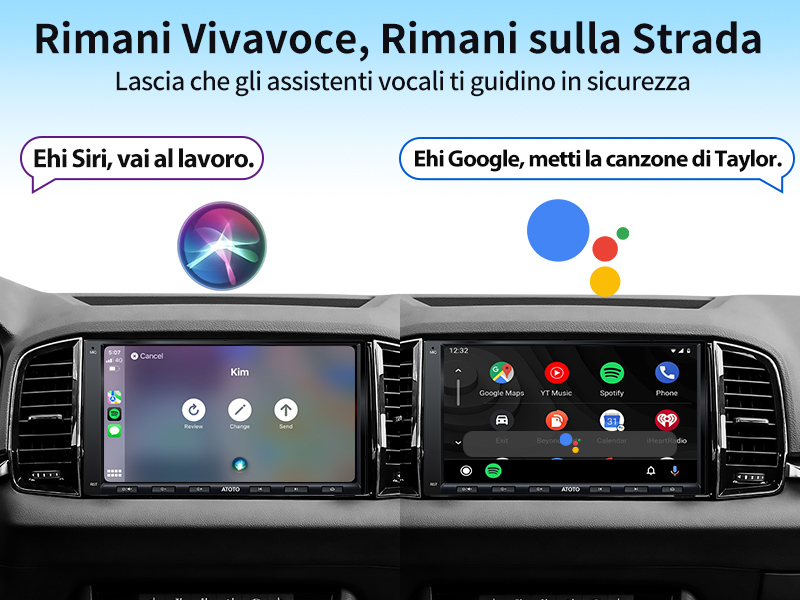
Google と Siri を統合して音声を支援し、さまざまな情報をもとにナビゲートします。 A6 PF の目的地と目的地を確認し、ボーカルの指示に従って、簡単にリストランティを選択してください。 Siri を Google で呼び出して、到着時にメッセージを受け取り、定期的にメッセージを送信してください。
•
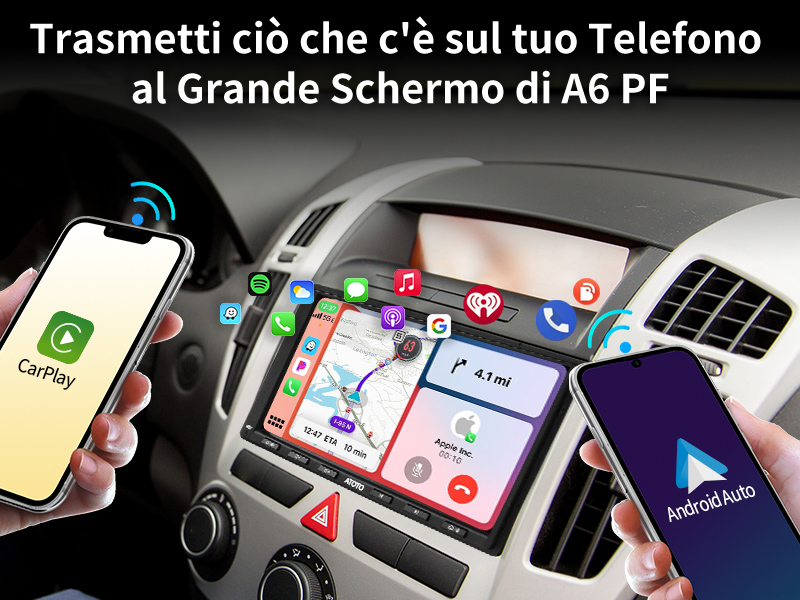
CarPlay と Android Auto は A6 PF に対応しており、携帯電話の機能を最大限に活用するために、さまざまな機能を備えています。未来のあらゆる機能にアクセスできるポータルです。電話や A6 PF の統合により、CarPlay や Android Auto の即時機能を最大限に活用できます。
•
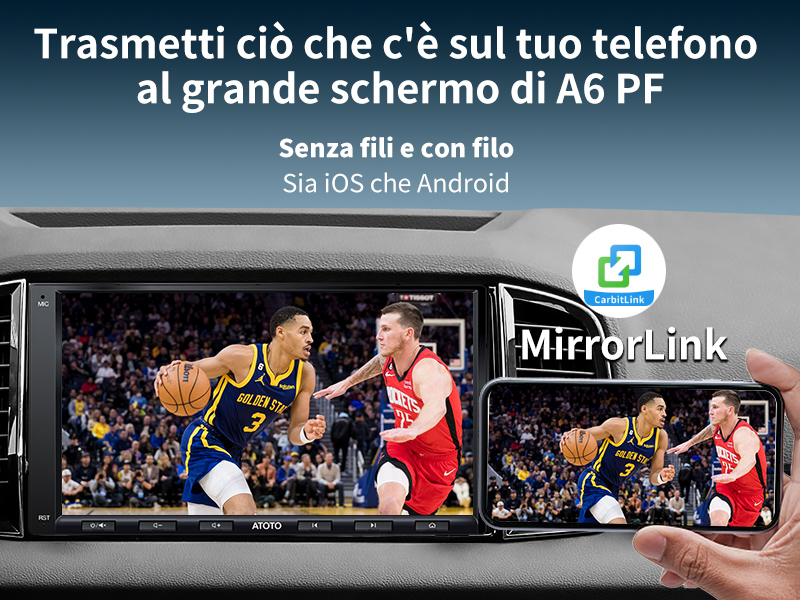
Telefono のミラーリング (MirrorLink) は、さまざまな用途に使用できます。 YouTube や Hulu などのさまざまなアプリを幅広く利用できます。 CarPlay や Android Auto のアプリを使用することはできませんか? Nessun は、Telefono のミラーリングに問題があります。 Queste technologie は、可能な限り乗車可能な乗り物です。 Alcune アプリ、Netflix、MirrorLink との互換性はありません。
•
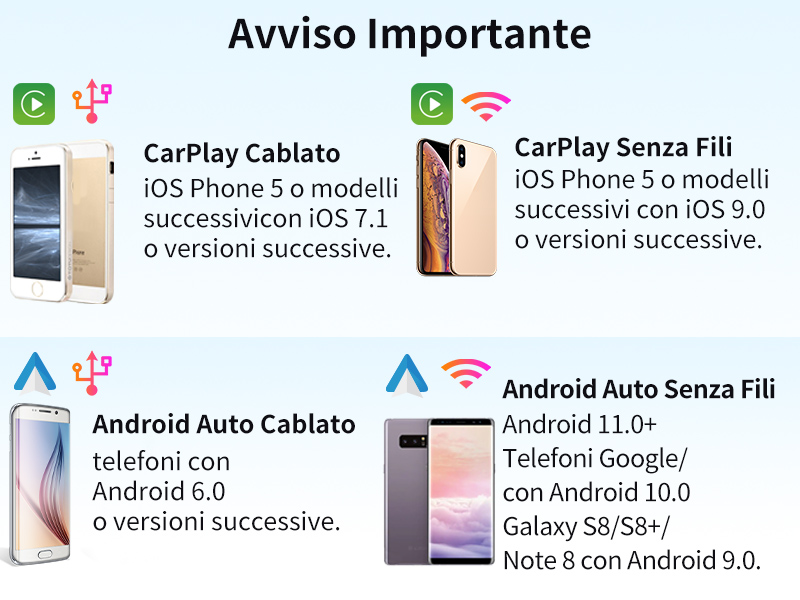
CarPlay の互換性: iPhone 5 または iOS 7.1 以降の優れたモデル。説明: iOS 9.0 以降の iPh0ne 5 以降のモデル。
互換性 Android Auto:Senza fili: Android 11.0 以上。 Samsung Telefoni /Google と Android 10.0 との互換性。互換性のあるSamsung Galaxy S8/S8+/Note 8とAndroid 9.0。
CarPlay/Android Auto の問題を解決するために、USB オリジナルの電話を使用してください。
•
A6 PF は、デジタル プロセッサー (DSP) を搭載しており、リアルタイムのオーディオ機能を提供し、36 バンドとクロスオーバーの互換性を実現します。 Inoltre、il Controllo del Volume Compensato per Velocità (SCVC) は、噂のエステルノとは対照的です。 L'ampificatore max. 4*45W con RMS 4*24W (Vcc=14.4v、THD=10%) ボリューム調整、潜在的な歪みを保証します。

•
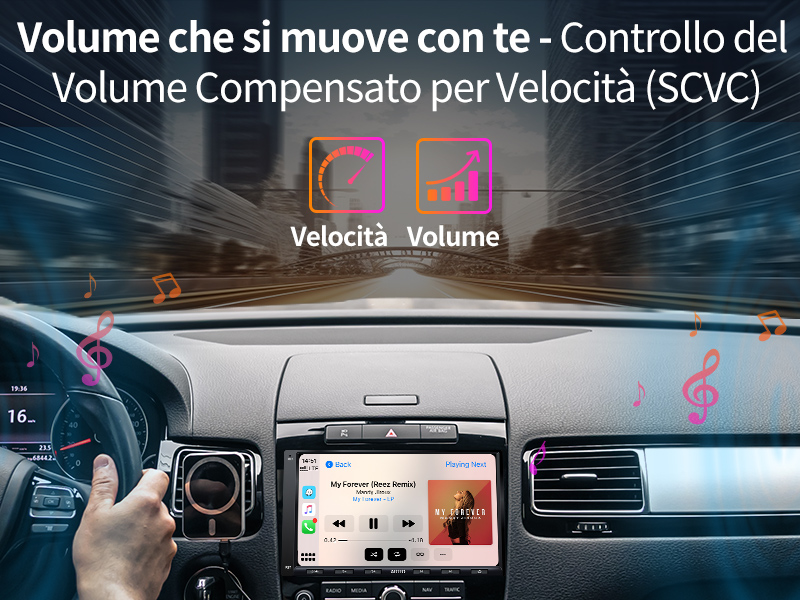
SCVC アッシクラ チェ ル トゥエ メロディー シアーノ シンクロニザート コン ラ トゥア ガイド。高速道路を走り抜け、音楽を楽しみながらデュランテを楽しみ、リラサートを楽しみましょう。ボリュームを完璧に均衡させ、手動でレゴラツィオーニを操作します。完璧な音を奏でながら、ヴィブラノとヴェロシタを同時に楽しみながら、ヴィアッジョの鳩を見つけてください。
•
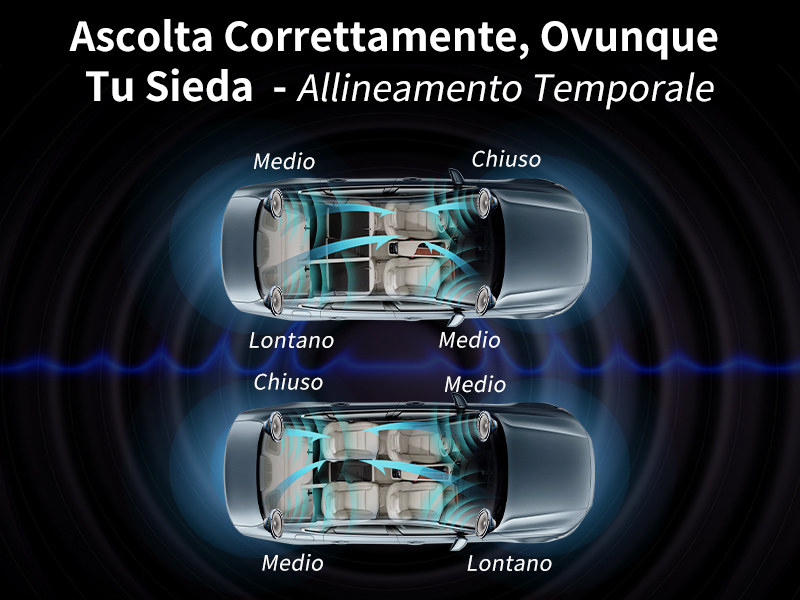
ウナ セラタ ベンティラータでの想像力: 多様な距離を保ち、ラトゥア カンツォーネを優先してポトレベ センブラレ ディソルディナタを楽しみます。 Tuttavia、con l'Allineamento Temporale、puoi regolare il Tempo di ciascun altoparlante in Base alla sua distanza da te、in modo che l'onda sonora di tutti gli altoparlanti raggiunga le tue orecchie contemporaneamente、armonizzando ogni nota all'istante。イル・リスルタート?オレッキエのような素晴らしい世界観を、あなたは自分自身を忘れずに見守ってください。
•
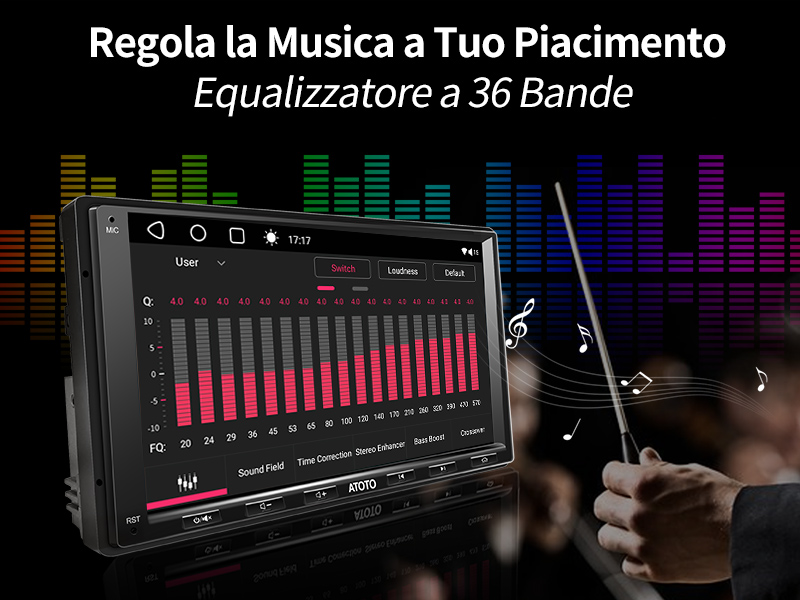
36 番目のオーディオ愛好家は、最も優れたオーディオ愛好家を見つけることができます。あなたの個性を最大限に発揮し、ヴィオロンチェッロの演奏を楽しみながら演奏してください。ヴィアッジョのチェルキ・ウン・バッソ・ポテンテ?あなたの雰囲気はいかがですか?日々のグラフィックの変化を確認してください。あなたの指示に従って、完璧な方法で、完璧な方法で作業してください。
•
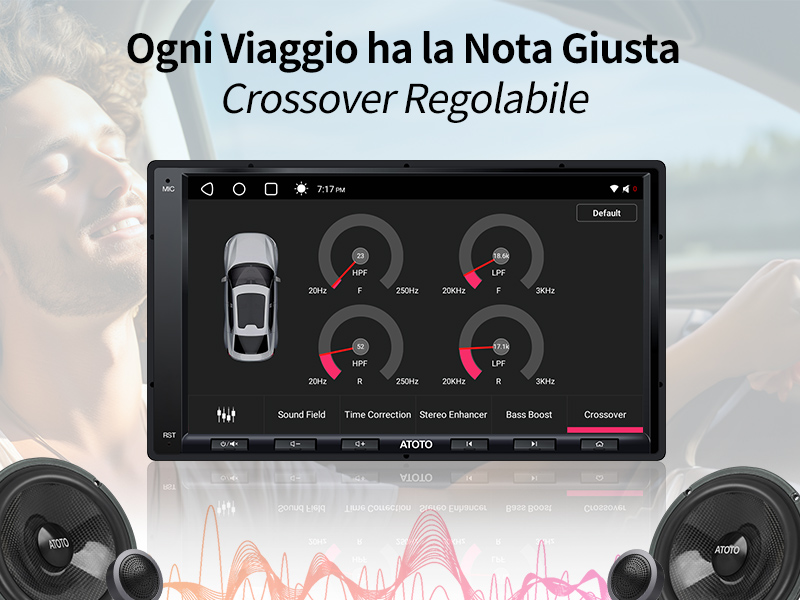
終わりません。 A6 PF は、クロスオーバー トラ サブウーファー、ツイーター、およびさまざまな選択を可能にする高度な機能を備えています。クロスオーバーは、AI ツイーターと AI ウーファーの周波数を統合し、スムーズなトランジションを実現します。組み合わせて、すべての音楽を聴くことができ、オーディオのメリットを最大限に活用できます。
•
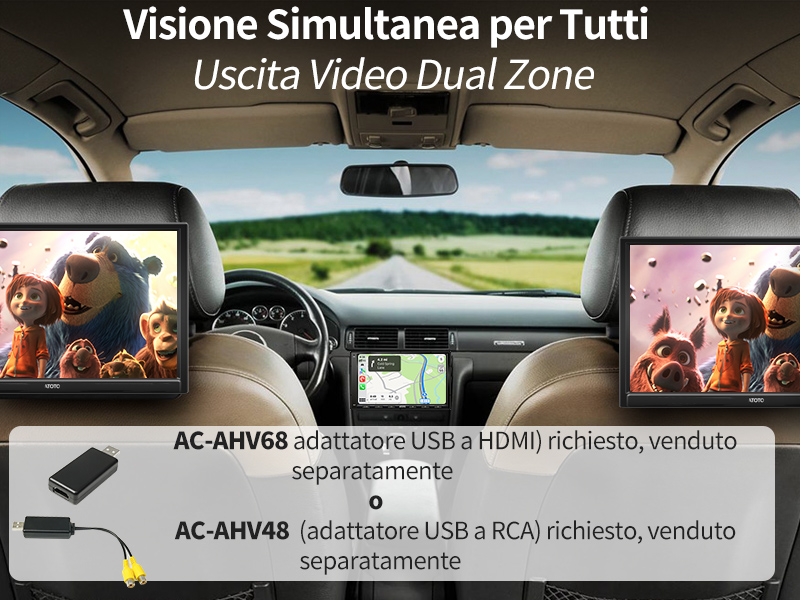
デュアル ゾーン ビデオ出力のオートラジオ機能を使用して、現代的なビデオを簡単に操作できます。 Naviga Rapidamente con A6 PFmentre i bambini sul sedile postorioreguardano i cartoni animati sui Monitor integrati nei poggiatesta。 A6 PF の USB マルチメディア インターフェイスは、2TB のアーカイブ機能をサポートしており、非常に理想的なインターフェイスです。
•
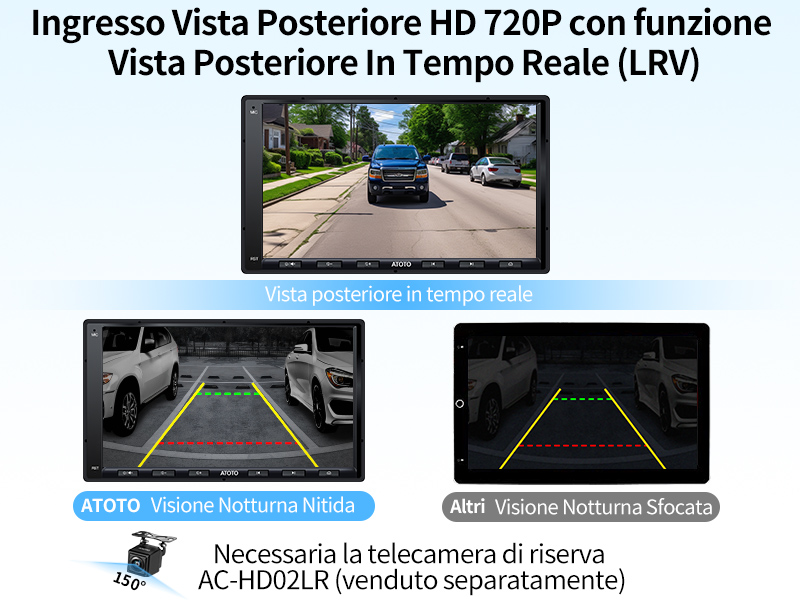
L'A6PF は、後部テレカメラごとに精巧なビデオ HD 720P を搭載し、伝統的なオートラジオ チェソノを制限して、400 ~ 600 ラインのセニャーリ CVBS を実現します。 Con l'A6PF, ottieni una Visualizzazione chiara quando fai marcia indietro e osservi la parte postoriore attraverso la Vista Posteriore In Tempo Reale (LRV) anchementre guidi in avanti. Migliora la visibilità riducendo ostacoli e punti ciechi。
•
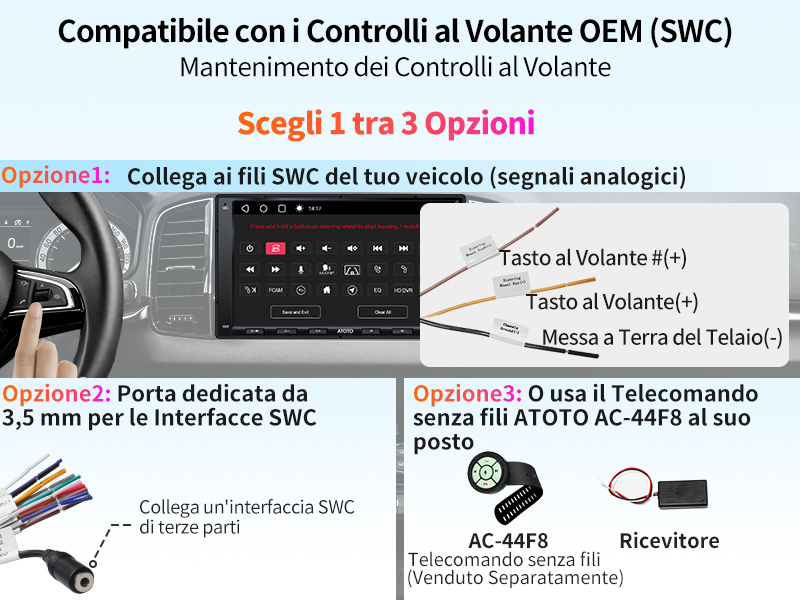
L'A6 PF には、管理機能の基本となるコントロール アナログ デル ボランチ (SWC) のインターフェイスが含まれており、SWC 規格と互換性のあるコントロール デル ボリュームとブラニと SI のコレガ アル カブラッジオが含まれます。 CANbus にはデジタル ポットレベッロが必要です。 LRV、FCAM、声と均等化機能を含む、個人的な制御機能を備えたインターフェイスです。
•
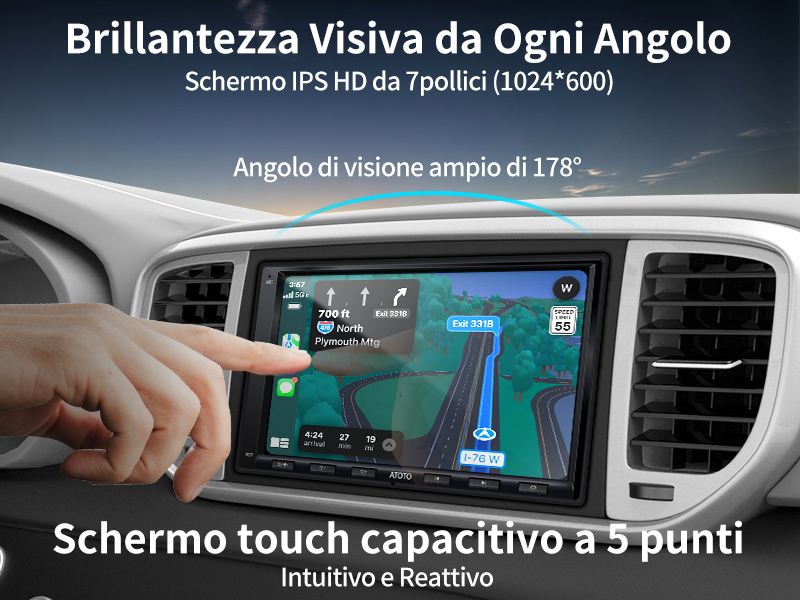
スケルモ IPS HD 7 インチ dell'A6 PF (1024 x 600、600cd/m2) を使用して、タッチ スクリーンの容量を 5 つまで制御し、6 つのおいしい画像を表示します。 178°、ゴディティ自動ラジオの持続時間による重要な位置を想像してください。
•
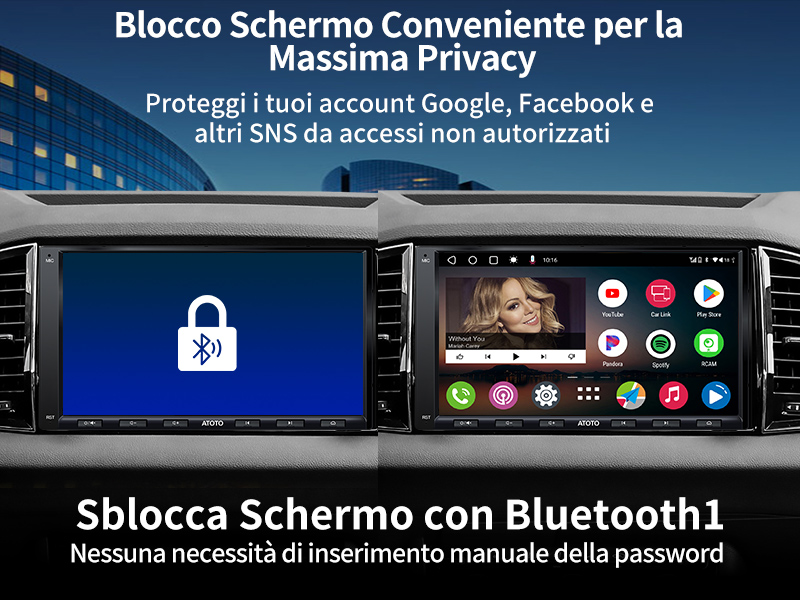
ブロックスケルモの機能、ステレオのプロテット Quando 以外のソット イル トゥオ コントロール、来てデュランテ イル パルチェッジオ コン イル サービスヴィオ ディ パルチェジアトーレ オート クアンド ラ トゥア オート ユーティリティッツァータ ダ アルトリ、オンライン プロフィリ オンライン リマンゴノ プロテッティ。 「Bluetooth 接続」の特別な機能を備えています。Bluetooth 経由で電話を接続することはできません。接続を確認することはできません。 Basta avvicinarsi o allontanarsi per bloccare o sbloccare l'A6 PF。
•
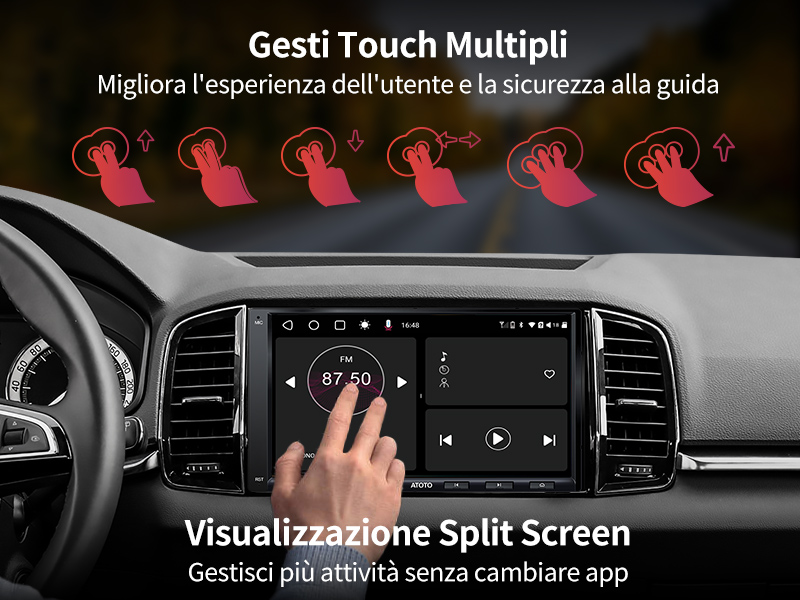
直感的な操作で、メニューのマルチタスク処理を迅速に実行し、9 つのプリセット EQ を使用して発光を確認できます。私は、優先順位を決めて、すべての操作を順守し、混乱を防ぎます。現代のアプリを最大限に活用して、新しいアプリを使用せずにナビゲーション (Youtube にアクセス) を楽しんでください。
•
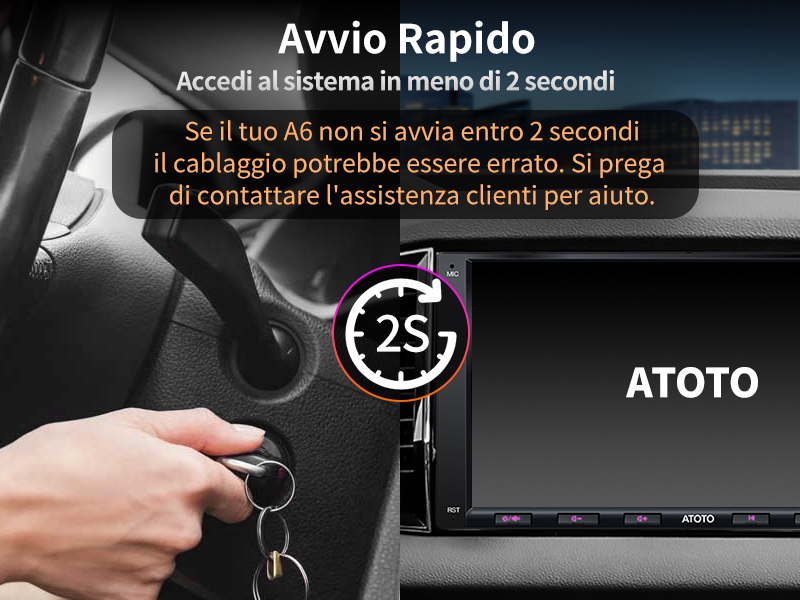
Android のシステムのテンポは 25 秒、2 秒と非常に困難です。 Tuttavia は、迅速かつ迅速な対応を維持するための重要な機能です。 Questa funzione è stata testata su oltre 300,000 prodotti ATOTO per assicurarne l'affidabilità. L'A6 PF si spegneautomaticamente se l'autorimane parcheggiata あたり 7 giorni per risparmiare バッテリー。
•
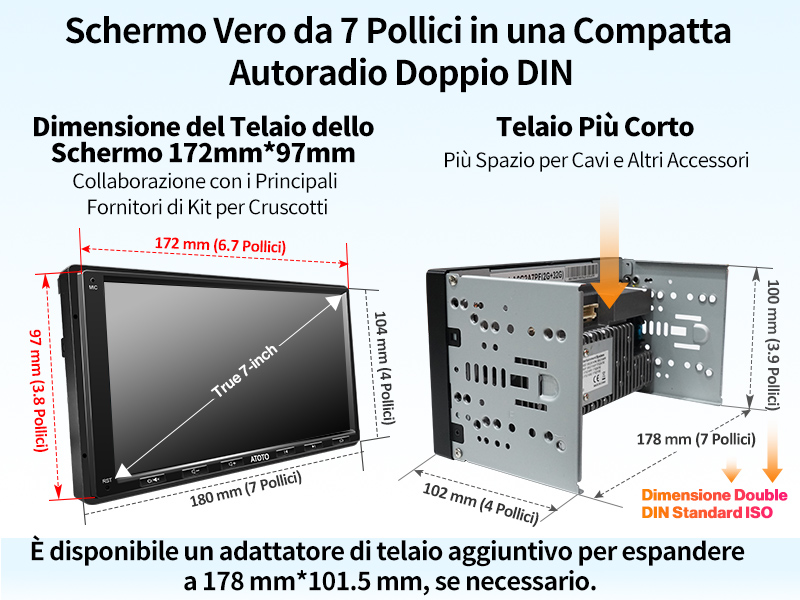
Questo autoradio doppio DIN presenta un vero display da 7 pollici、a Differentenza della maggior Parte degli altri sul mercato。 ATOTO は、172 mm*97 mm のディメンション デル テラオ デッロ スケルモ、Metra、Scosche、PAC、ecc などの互換性のある、実際の 7 ポリチのディスプレイを表示するオートラジオのイントロドットです。インストールを強化し、プロフェッショニスタの活動をサポートします。
•
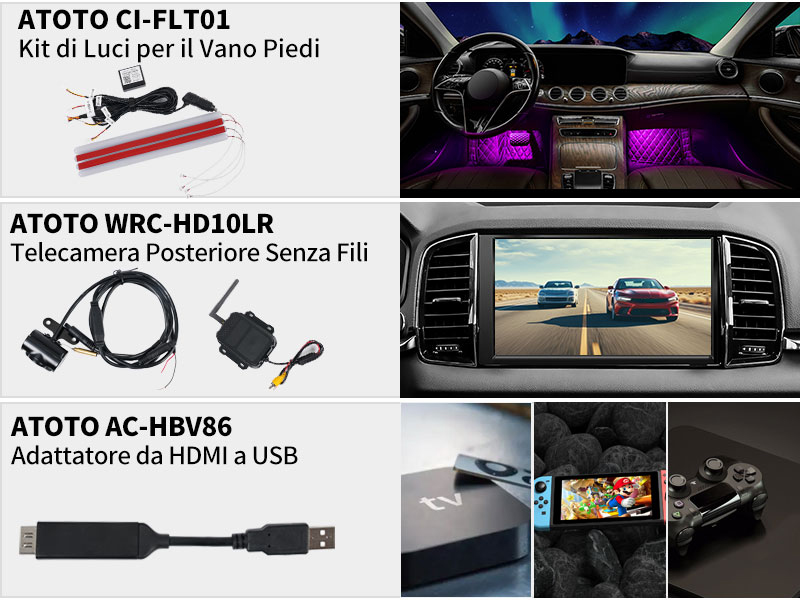
ATOTO の新しいアクセサリーの操作: アンビエンテ照明用の LUCI-FLT01、レトロマルシアと接続用のテレビカメラ ワイヤレス (WRC-HD10LR) と接続用の HDMI、USB、トゥッティ コンパティビリ コン l'A6 PF。あなたのアクセサリーは、ATOTO とその販売のために分離されたものです。完璧な表現に従って、最新のビデオをご覧ください。
•
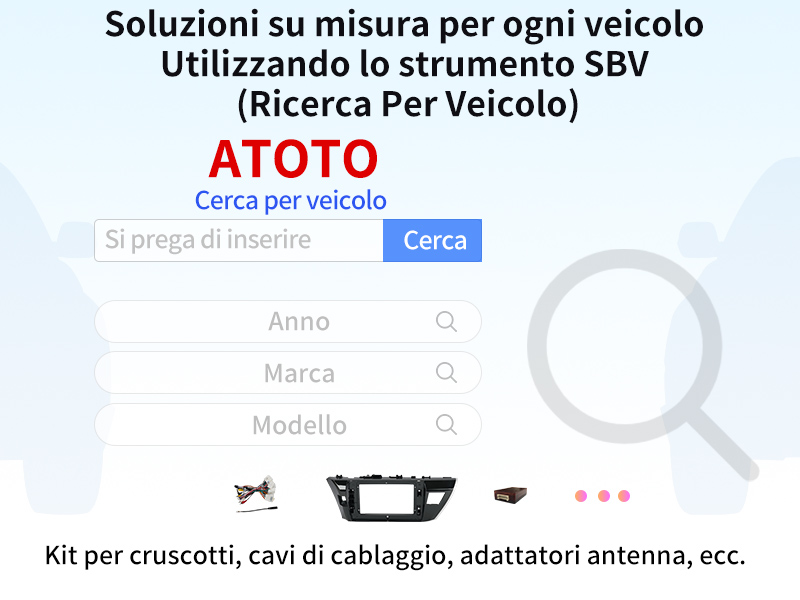
L'ATOTO A6 PF はオートラジオユニバーサルです。特定のインストールごとに、必要な付属品 (含まれない) が含まれています。私は、インストールの付属品にその責任を負い、費用もかかります。 ATOTO を含むそのような質問はありません。
SBV (Ricerca per Veicolo) は、互換性のあるインストール環境、アンテナの付属品など、さまざまな機器のリストにアクセスできるように、SBV (Ricerca per Veicolo) をサポートしています。
•
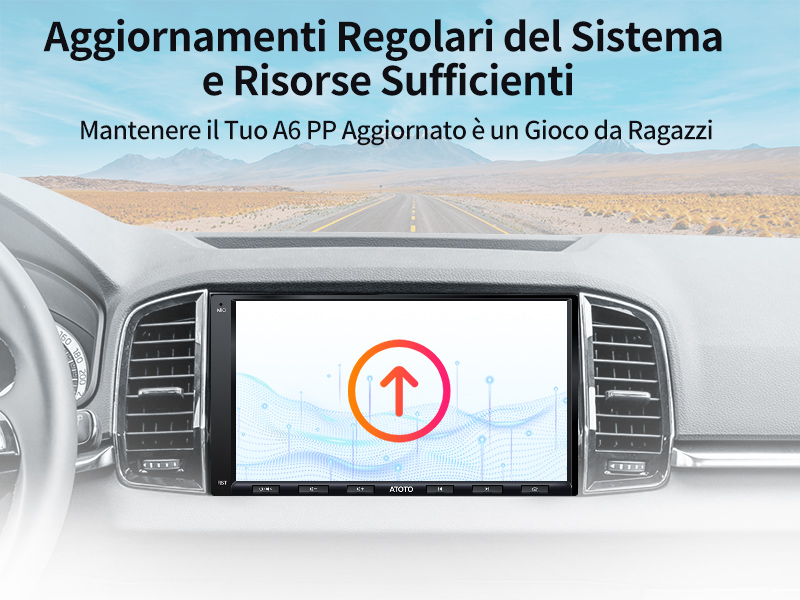
ATOTO はファームウェアを更新し、適切な管理を行います。新しい機能の修正やエラーの発生を確認します。 ATOTO o resource#myatoto#c0m にアクセスし、ファームウェアからファイルをダウンロードし、USB を転送します。すぐに、A6 PF がより迅速に、そして完璧に機能します。
•
デフォルトの 12 メシ ディ アシスタンス プロドット。 6 つの製品をサポートするために ATOTO を確認し、優先的に大量の情報を収集し、最初のコードを確認してください。

さらに詳しく
 A6PF |
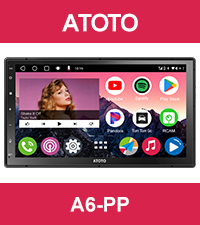 A6PP |
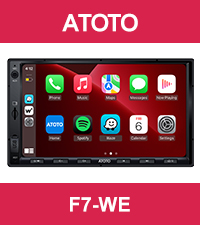 F7WE |
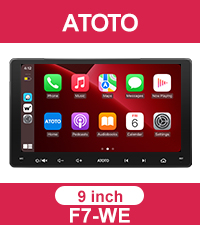 F7WE |
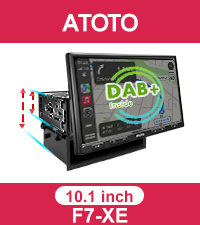 翻訳: |
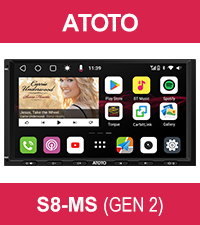 S8MS |
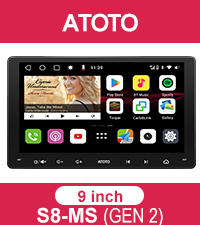 S8MS |
|
|---|---|---|---|---|---|---|---|
システマ |
アンドロイド 2G+32G | アンドロイド 4G+64G | シジラート核システム | シジラート核システム | シジラート核システム | アンドロイド 4G+32G | アンドロイド 4G+32G |
CP/AA 接続
|
センザフィリ / CP と AA が混在 | センザフィリ / CP と AA が混在 | センザフィリ / CP と AA が混在 | センザフィリ / CP と AA が混在 | センザフィリ / CP と AA が混在 | センザフィリ / CP と AA が混在 | センザフィリ / CP と AA が混在 |
ミラーリンク |
センザ・フィリ・エ・カブラト | センザ・フィリ・エ・カブラト | カブラティ | カブラティ | カブラティ | センザ・フィリ・エ・カブラト | センザ・フィリ・エ・カブラト |
| 網羅的な接続
|
WiFi、Bluetooth、USB | WiFi、Bluetooth、USB | x | x | x | 4G、WiFi、Bluetooth、USB | 4G、WiFi、Bluetooth、USB |
トラックHU |
✔ | ✔ | x | x | x | ✔ | ✔ |
DSP統合
|
✓DSP | ✓DSP | x | x | x | ✓DSP+プリアンプ 東芝製 | ✓DSP+プリアンプ 東芝製 |
プリアンプ内蔵 |
最大 4*45W、RMS 4*24W | 最大 4*45W、RMS 4*24W | 最大 4*45W、RMS 4*24W | 最大 4*45W、RMS 4*24W | 最大 4*49W、RMS 4*29W | 最大 4*45W、RMS 4*24W | 最大 4*45W、RMS 4*24W |
シェルモ |
プルサンティ フィジチ | ディスプレイタッチラミナト | プルサンティ フィジチ | タッチスクリーンコンプリート | プルサンティ フィジチ | プルサンティ フィジチ | タッチスクリーンコンプリート |
解決策 |
7'': 1024X600 IPS | 7'': 1280X720 QLED | 7'': 1024X600 IPS | 9'': 1280X720 IPS | 10'': 1280X720 QLED | 7'': 1024X600 IPS | 9'': 1280X720 QLED |
Ingresso フォトカメラ後方
|
HDとLRV | HDとLRV | HDとLRV | HDとLRV | HDとLRV | LRVとVSVを備えたHD | LRVとVSVを備えたHD |
電話での高速検索 |
x | x | 製品詳細を参照 | x | ✔ | x | x |
DAB+との組み合わせ
|
√ リック。 DAB+ AC-4475 リッチエスト | √ リック。 DAB+ AC-4475 リッチエスト | ✔ | ✔ | ✔ | √ リック。 DAB+ AC-4475 リッチエスト | √ リック。 DAB+ AC-4475 リッチエスト |